1
Apple Mac OS X
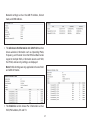
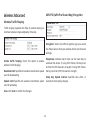
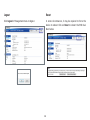
4.In Configure IPv4, select Manually.
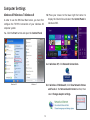
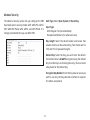
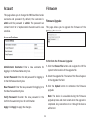
1. Go to System Preferences (Which can be opened in the
Applications folder or selecting it in the Apple Menu).
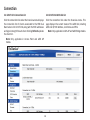
5. Enter an IP address that is different from the ENS Dual
Band series and Subnet mask then press OK.
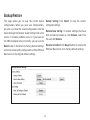
2.Select Network in the Internet & Network section.
Note: Ensure that the IP address and Subnet mask are
on the same subnet as the device.
For example:
ENS
192.168.1.1
Dual
14
series
IP
address:
PC IP address: 192.168.1.2 – 192.168.1.255
PC Subnet mask: 255.255.255.0
6.Click Apply when done.
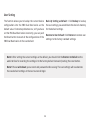
3.Highlight Ethernet.
Band