1
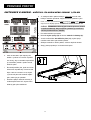
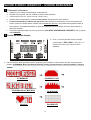
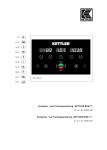
“CONSOLE INSTRUCTIONS – CONSOLE BUTTONS ”
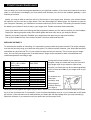
Console Buttons
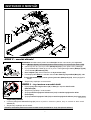
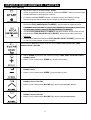
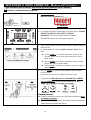
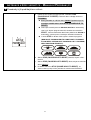
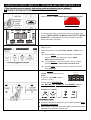
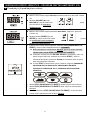
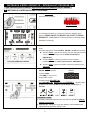
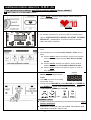
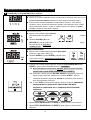
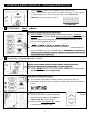
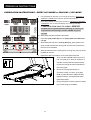
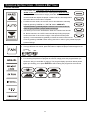
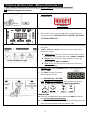
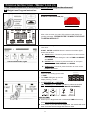
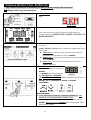
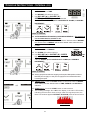
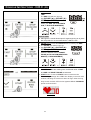
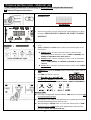
e. This treadmill has 5 adjustable cushion levels (from soft to hard).
f.
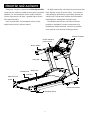
“AUTO” button: Place two feet on the running deck’s Detective Area.
Through each individual user’s weight, press the “AUTO” button, the
console would auto-adjust the proper cushion level, the auto-adjustment
time takes about 15 seconds to complete.
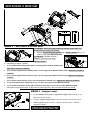
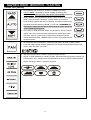
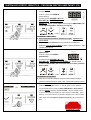
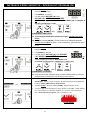
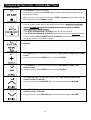
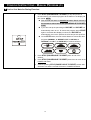
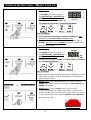
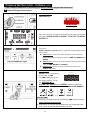
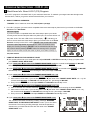
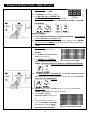
g. For different user needs, the cushion level is also allowed to manually
adjust by pressing “HARD▲“ or “SOFT▼” button. NOTE: It’s
recommended to gradually adjust cushion level one at a time in
order to give yourself a proper workout feelings.
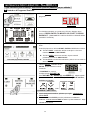
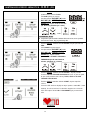
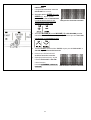
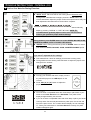
h. The faster you run on the treadmill, the firmer the cushion level should
be. Before exercise, the “AUTO” button would help finding the proper
cushion level due to each user’s weight. If the speed increase (more
quicker), it’s recommended to gradually increase the cushion level one at
a time by pressing “HARD▲“ button during exercise in order to give yourself a proper
workout feelings.
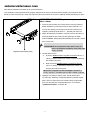
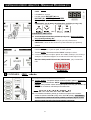
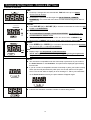
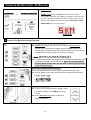
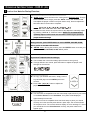
c.
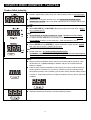
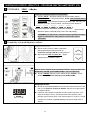
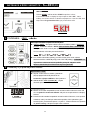
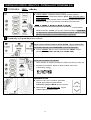
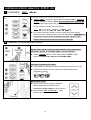
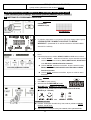
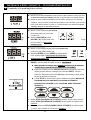
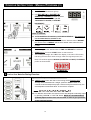
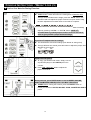
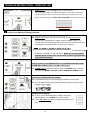
This treadmill have 3-level fan settings (from breeze to strong wind)
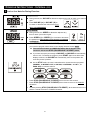
d.
Through different user needs, press this button to adjust the proper wind strength for the
workout.
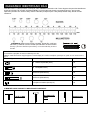
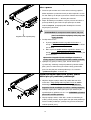
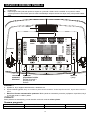
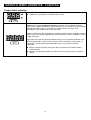
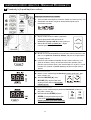
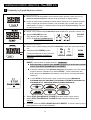
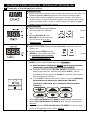
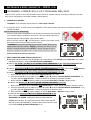
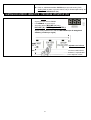
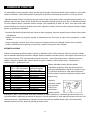
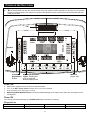
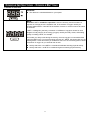
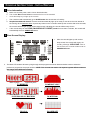
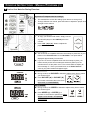
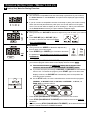
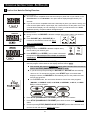
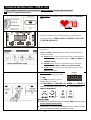
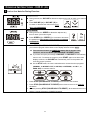
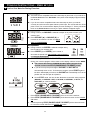
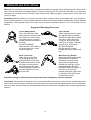
c. This console has 6 exercise programs and program buttons.
d. For choosing the preference program to exercise, simply press the program button (as
shown the left) you would like to workout. The program display (as shown below) would
lights up indicating you to press ENTER to start entering the program for the exercise.
69