1
Recording Your Performance
6
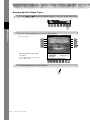
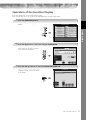
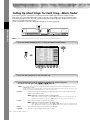
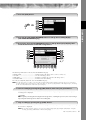
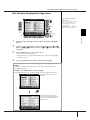
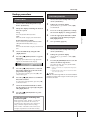
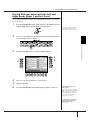
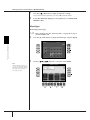
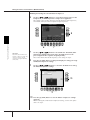
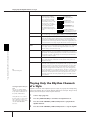
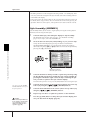
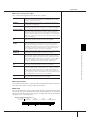
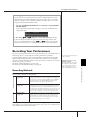
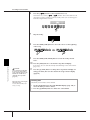
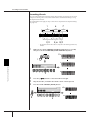
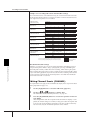
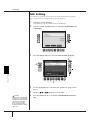
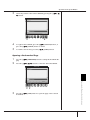
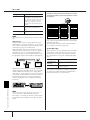
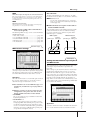
Press the [6π†] button to enter a quarter-note rest.
To enter the rest, use the [4π†]–[8π†] buttons. (Press the button once to
select the rest value, and once again to actually enter it.) A rest having specified note length will be entered.
7
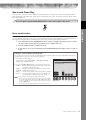
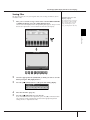
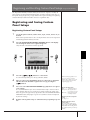
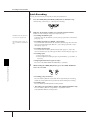
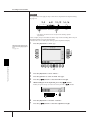
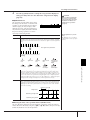
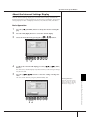
Play the C4 key.
8
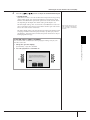
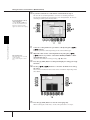
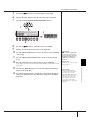
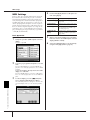
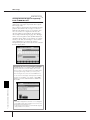
Press the SONG [STOP] button to move the cursor to the beginning
of the Song.
8
9
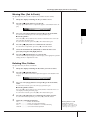
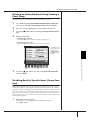
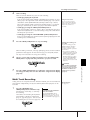
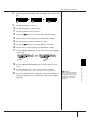
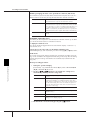
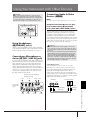
Press the SONG [PLAY/PAUSE] button to hear the newly entered
notes.
Using, Creating and Editing Songs
10
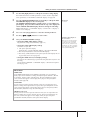
CAUTION
The recorded Song data will
be lost if you select another
Song or turn the power to the
instrument off without executing the Save operation
(page 69).
Move the cursor to the beginning of the Song.
Press the SONG [STOP] button
during recording.
150
CGP-1000 Owner’s Manual
9
11
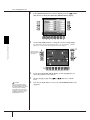
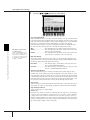
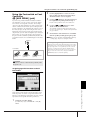
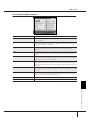
Press the [EXIT] button to exit from the Step Record display.
If you want, you can also edit already recorded Songs in the same manner
(page 158).
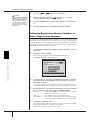
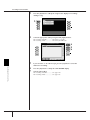
Press the [I] (SAVE) button to call up the Song Selection display for
saving your data, then save the data in the Song Selection display
(page 69).
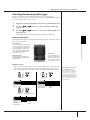
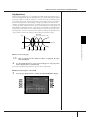
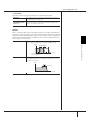
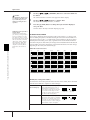
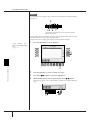
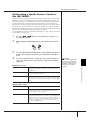
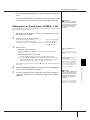
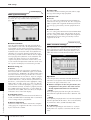
Deleting data
Mistakenly entered notes can be deleted.
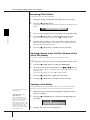
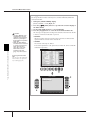
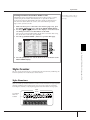
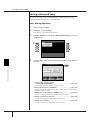
1 Use the [A]/[B] buttons in the STEP RECORD display (page 148) to
select the data you want to delete.
2 Press the [J] (DELETE) button to delete the selected data.