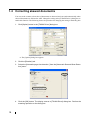
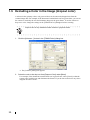
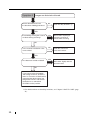
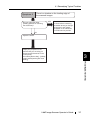
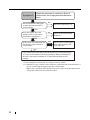
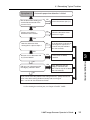
1.5 Excluding a Color in the Image (dropout color)
1
fi-60F Image Scanner Operator’s Guide
21
BASIC SCANNER OPERATIONS
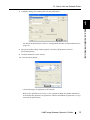
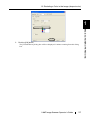
3. Click the [OK] button.
The [TWAIN Driver] dialog box will be redisplayed. Continue scanning from this dialog
box.