1
106/160
MxEasy and the
MxControlCenter control
room software are available for free download
from www.mobotix.com
S15 Camera Manual: Operating the Camera
3
OPERATING THE CAMERA
3.1
Manual and Automatic Operation
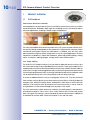
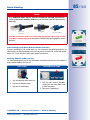
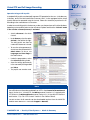
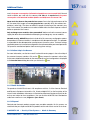
MOBOTIX cameras do not require any extra software. Thus, you can set up and operate the
MOBOTIX camera using a JavaScript-enabled browser on all common operating systems
(such as Windows, Linux, Apple, etc.). As an alternative, you can also use the MOBOTIX
applications MxControlCenter and MxEasy. Follow these steps to set up the camera:
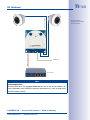
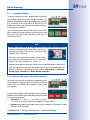
1. Connect the camera to the network. Power is supplied directly via the Ethernet cable
(see Section 2.5, «Network and Power Connection, Additional Cables»).
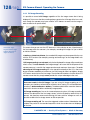
2. Set up the camera's network parameters:
– Manually using a web browser (see Section 3.2.1)
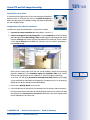
– Automatically using MxControlCenter/MxEasy (see Section 3.2.3 and
Section 3.2.4) or via DHCP (see Section 3.2.6)
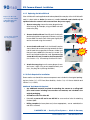
3. Configure the camera using the web-based user interface, MxControlCenter
or MxEasy.
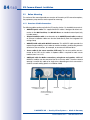
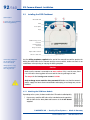
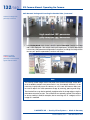
Every MOBOTIX camera comes preconfigured with a static IP address in the 10.x.x.x range
(for example, 10.8.0.99). However, local computer networks usually have IP addresses
in the 172 or 192 ranges. MOBOTIX cameras must therefore also be given an IP address
in this address range to ensure that they can be accessed via the network. You can set
up the network parameters of a MOBOTIX camera using one of the following methods:
Manually, using MxCC and MxEasy or by DHCP.
Camera software
in the browser
© MOBOTIX AG • Security-Vision-Systems • Made in Germany
www.mobotix.com • [email protected]