1
Remote Commands
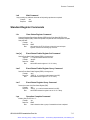
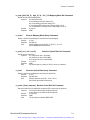
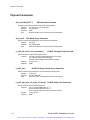
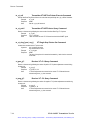
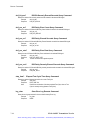
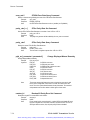
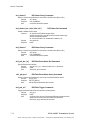
rs_xon_xoff?
RS-232-C Flow Control Query Command
Returns a character string that indicates the current RS-232-C flow control status.
Example:
rs_xon_xoff?
Response: RS_XON_XOFF ON
Note:
The current XON XOFF flow control can be on (enabled) or off (disabled).
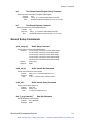
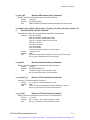
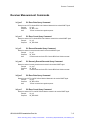
save_setup [n]
Save Setup Command
Saves the current instrument setup in location n.
Example:
save_setup n (n = a decimal number from 0 to 9)
Response: NONE
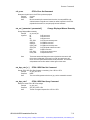
stored?
Stored Setup Query Command
Returns the currently stored setup locations saved in memory.
Example:
stored?
Response: STORED 0,1,2...
Note:
Stored locations are numbered from 0 to 9 in decimal.
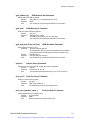
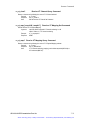
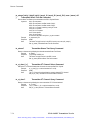
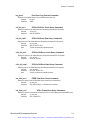
time “[ hh:mm:ss ]”
Internal Time Clock Set Command
Sets the internally stored time of day clock.
Example:
time "15:30:45"
Response: NONE
Note:
Uses 24 hours format, HH:MM:SS (Hours Minutes Seconds)
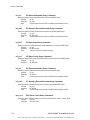
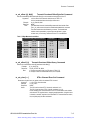
time?
Internal Time Clock Query Command
Returns the time from the ST112 internal time of day clock.
Example:
time?
Response: TIME "15:30:45"
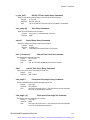
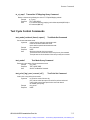
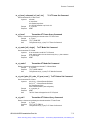
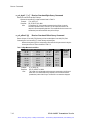
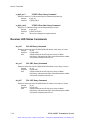
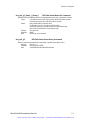
view_angle?
Front-panel View Angle Query Command
Returns a decimal integer that indicates the display angle of view.
Example:
view_angle?
Response: VIEW_ANGLE 2
Note:
View angle is an integer from 0 to 7. Zero should be the best view angle when
the ST112 is positioned below the operator.
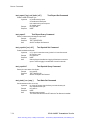
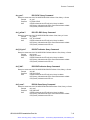
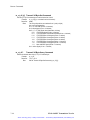
view_angle [ n ]
Front-panel View Angle Set Command
Sets the view angle to an integer from 0 to 7 decimal.
Example:
view_angle 1
Response: NONE
Note:
View angle is an integer from 0 to 7. Zero should be the best view angle when
the ST112 is positioned below the operator.
ST112 SONET Transmission Test Set
7–19
Artisan Technology Group - Quality Instrumentation ... Guaranteed | (888) 88-SOURCE | www.artisantg.com