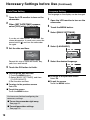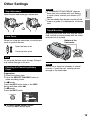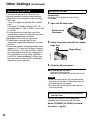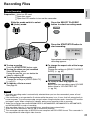
1
Easy Start Guide
1
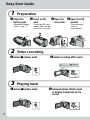
Preparation
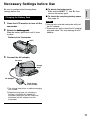
Q Attach the
battery pack
Charge the Battery
Pack. (Z pg. 17)
R Insert an SD
S Open the
card
lens cover
Format an SD card
when using it for the
first time. (Z pg. 20)
T Open the LCD
monitor
The camcorder
turns on
automatically.
BATT.
2
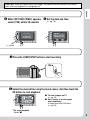
Video recording
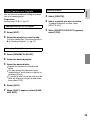
Q Select ! (video) mode
R Select recording (REC) mode
[5h56m ]
3
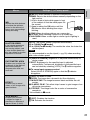
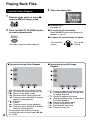
Playing back
Q Select ! (video) mode
R Select playback (PLAY) mode
to display thumbnails on the
screen