1
Return to the Top page
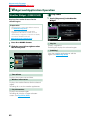
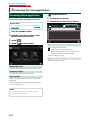
SiriusXM® Satellite Radio Operation
ññ SiriusXM® Satellite Radio Operation (DNN991HD)
SiriusXM® Basic Operation
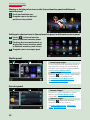
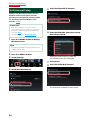
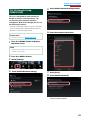
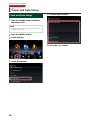
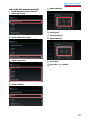
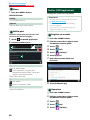
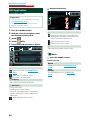
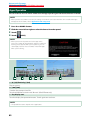
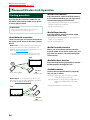
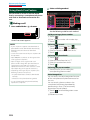
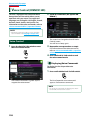
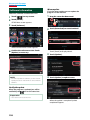
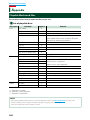
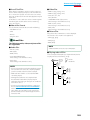
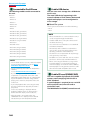
Most functions can be controlled from the source control screen.
Before use
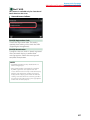
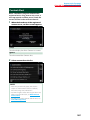
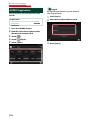
• SiriusXM Satellite Radio operation requires the connection of the optional SiriusXM Connect Vehicle Tuner. To
activate the SiriusXM Vehicle Connect tuner, you will need the Radio ID.
• Make a note of your Radio ID: To confirm your Radio ID, tune to channel 0. The letters I, O, S and F are not used in
any Radio ID. The Radio ID is also located on the label of the SiriusXM Connect Vehicle Tuner.
• How to activate your SiriusXM Service: Go to www.siriusxm.com/activatenow or call 1-866-635-2349 to activate
your SiriusXM Vehicle Connect Tuner.
To activate SiriusXM Canada service go to www.xmradio.ca and click on “ACTIVATE RADIO” in the top right corner,
or call 1-877-438-9677
NOTE
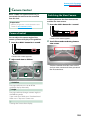
• Set the remote controller mode switch to AUD mode before starting operation, see Switching the operation
mode (P.151).
• To use SiriusXM® Satellite Radio, the optional accessory is necessary.
• SiriusXM® Satellite Radio are for North American sales area only.
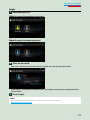
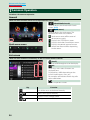
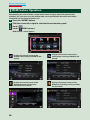
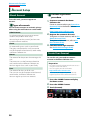
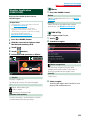
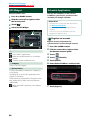
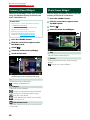
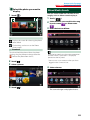
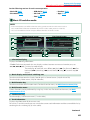
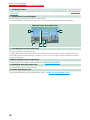
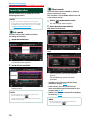
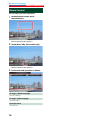
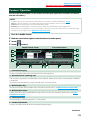
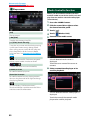
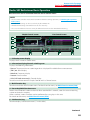
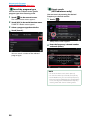
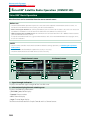
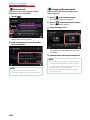
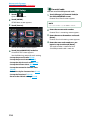
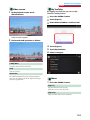
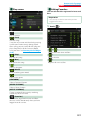
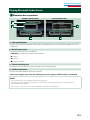
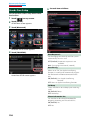
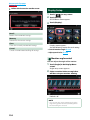
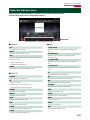
Simple Control screen
List Control screen
1
2
2
6
7
7
3
4
5
3
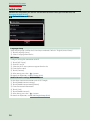
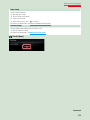
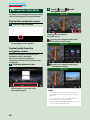
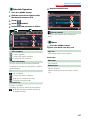
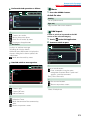
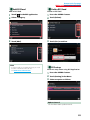
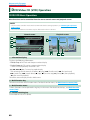
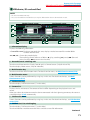
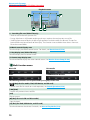
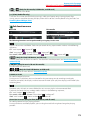
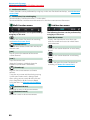
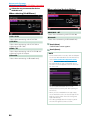
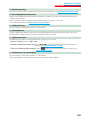
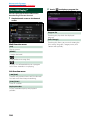
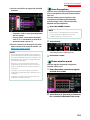
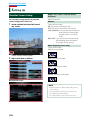
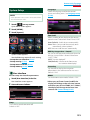
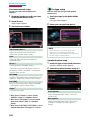
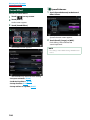
1 Signal Strength indication
Displays the received signal strength of the SiriusXM tuner.
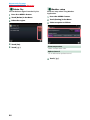
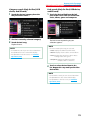
2 Information display/Control switching area
Displays the following information.
•[SiriusXM1], etc.: Band display
•Preset #: Preset number
•#CH: Channel display
•Logo: Channel logo display
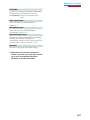
Touch to switch between the Simple Control and List Control screen.
102
4
8