1
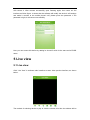
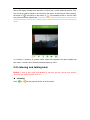
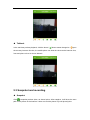
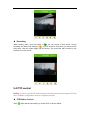
select, click again will skip to the interface of “Device list”, in here select the device, click, then this device will be added to the window to play video, as follow figure. When playing, the button of will change to the button of . From adding device to view its video may need some time, please wait. In this video preview screen also can switch the video bit stream and the main stream for viewing.Click "Settings" button in the top left hand corner can enter seetong main screen. In 4 screens, 9 screens, 16 screens mode, repeat this operation can open multiple real time video. 9 screens and 16 screens default plays key frame. 5.2 Listening and talking back Notice: If want to play audio and talkback in real time preview, device must support audio and set “Audio Encode” as G.711. Listening Click “ ” to “ ” to play preview audio, as shown below: