1
1
Onviewcloud Instruction
Onviewcloud
intro:
Onviewcloud is an Intelligent monitoring and management software that
used for monitoring & management of the various device and remote images;
it works as a server and solves the problems like network settings
complicated and free domain instability.
Two parts are introduced here below: “DVR device-side”and
“onviewcloud”
I. DVR device-side:
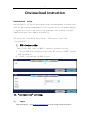
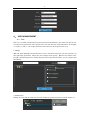
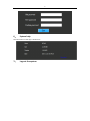
Turn on the DVR, goes to MENU-> advance->network setting
1、 Set the DVR IP according to your local IP,turn on“UPNP” on both
DVR and Router。
2、 Enable onviewcloud in DDNS server.
II.“onviewcloud”setting:
1、
Log in
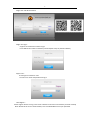
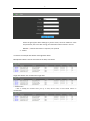
Open web explore,input www.onviewcloud.net to enter the login window as below: