1
inbetriebnahme.fm
Startup
Quick Start
4.
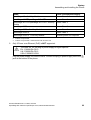
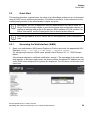
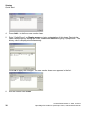
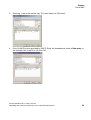
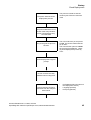
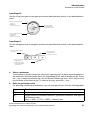
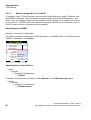
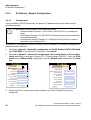
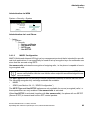
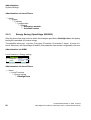
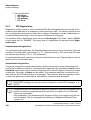
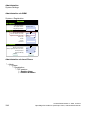
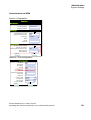
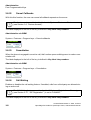
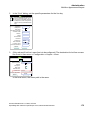
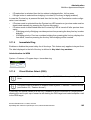
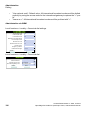
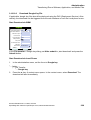
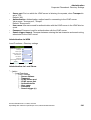
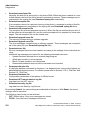
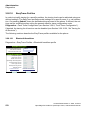
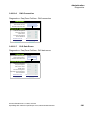
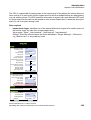
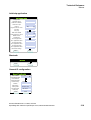
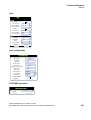
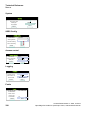
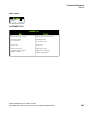
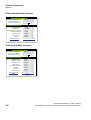
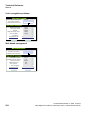
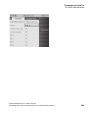
Press Add... to define a new vendor class.
5.
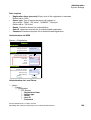
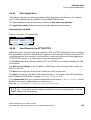
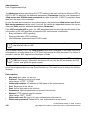
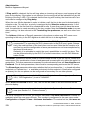
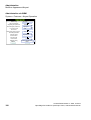
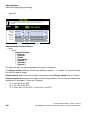
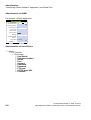
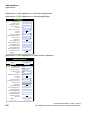
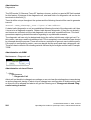
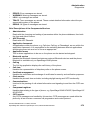
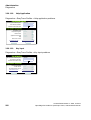
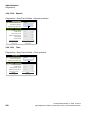
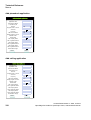
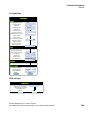
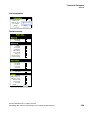
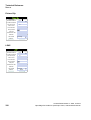
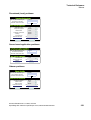
Enter "OptiIpPhone" as Display name and give a description of this class. Provide the
class name proper by setting the cursor underneath ASCII and typing "OptiIpPhone". The
binary value is displayed simultaneously.
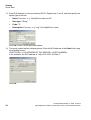
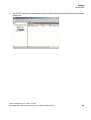
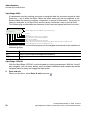
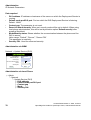
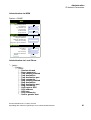
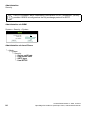
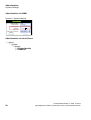
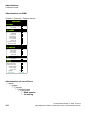
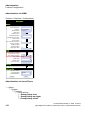
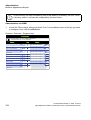
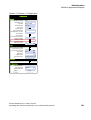
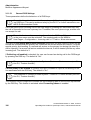
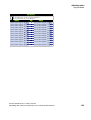
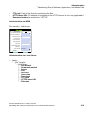
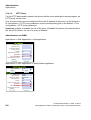
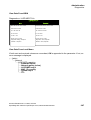
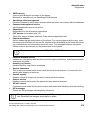
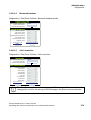
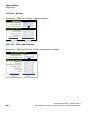
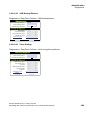
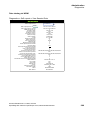
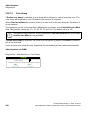
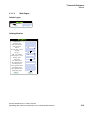
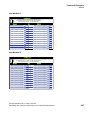
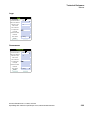
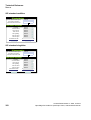
Click OK to apply the changes. The new vendor class now appears in the list:
6.
30
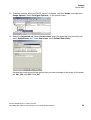
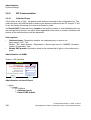
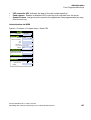
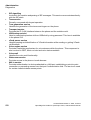
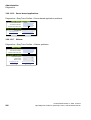
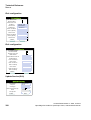
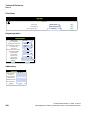
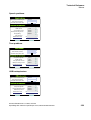
Exit the window with Close.
A31003-S2030-M100-11-76A9, 01/2015
OpenStage SIP V3R3 for OpenScape Voice, Administration Manual