1
3.4 Uploading Documents
Provider Portal User Guide
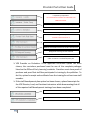
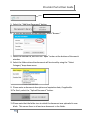
Start on the “Home Screen.” The Document Library can be accessed from any
agreement application. Once any document is uploaded to the Document Library,
the document will be available for both the School Readiness Agreement Application
and the VPK Agreement Application, as applicable.
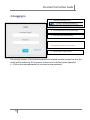
1. First select the agreement type.
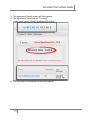
2. The Agreement Dashboard will then appear.
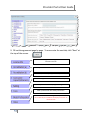
3. The Document Library is on the right side of the screen.
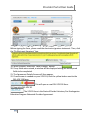
4. Each folder is created to store uploaded documents required by the agreements.
Accreditation and Gold Seal certificates
Completed direct deposit form
Auto insurance certificate if the program transports
children
23