1
2105 Interface Module
Section 4 2105G Cellular Modem
4.4 Setting Up the Access
Point Name
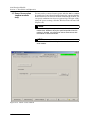
You may need to set up the access point that your cellular service
uses. The access point information is available from your service
provider.
Note
This section only applies to GPRS operation, and requires the
appropriate cellular service and SIM card.
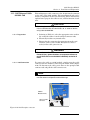
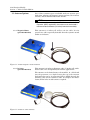
1. Connect your computer directly to the stack using Isco’s
RS232 connect cable (part #60-2004-046) or USB port connect cable (part #60-2004-507).
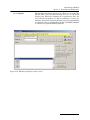
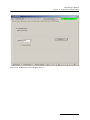
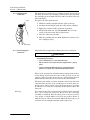
2. From your Windows desktop, start the HyperTerminal program (located under Accessories, Communication).
3. Make sure the 2105G is powered on, and that HyperTerminal is disconnected. Select the COM port you will direct
connect to.
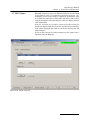
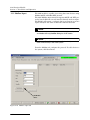
4. Configure the COM port to: 38400 bps, 8 data bits, no
parity, 1 stop bit, no flow control. Click OK.
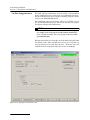
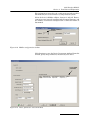
5. Click on the phone icon to connect, and enter 3 or 4 question marks (?).
6. At the > prompt, enter sp and press Return.
7. At the > prompt, enter 18 and press Return.
8. At the DPUSH> prompt, enter apn and press Return.
This will display the current setting for the access point
name.
9. If you need to change the access point name, at the >
prompt, enter apn “name of access point” and press
Return.
10. You will be informed that the phone network information
has been updated.
11. Disconnect power from the modules, then reconnect power
again.
There are several commands that can be used in HyperTerminal.
The DPUSH>dcfg command will show what IP address you
should be using. The DPUSH>dsp command shows the network
type (GSM) and the access point name.
4-6