1
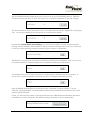
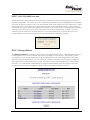
The Virus Filtering Section simply allows you to turn on or off your Virus Filtering service. (FairPoint
Communications may elect to have this function on at all times regardless of the user settings.)
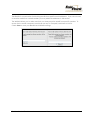
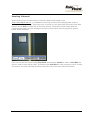
The Virus Notification is an email which is sent to you each time an email is flagged as containing a
virus. You have the ability to turn this service on or off as shown below.
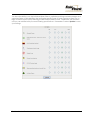
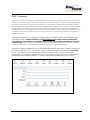
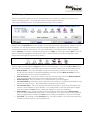
By selecting Content-Based Spam Filtering, you then have the ability to enter Advanced Spam
Settings, create a Blacklist, and a Whitelist. Advanced Spam Settings is the section you would use
to edit your spam sensitivity settings and specify types of spam to quarantine.
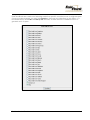
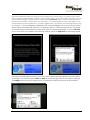
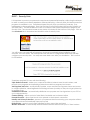
The Blacklist is a mechanism for blocking emails from specific email addresses. If you do not want
to receive emails from certain senders you may add their addresses in this section.
The Whitelist allows you to make sure that you always receive emails from specific senders. To
ensure that a certain someone’s emails are not sent to Greymail, add them to this list.
Both the Blacklist and Whitelist functions will accept “wildcards” using an asterisk “*” as the
wildcard. Using wildcards in an email address means every address that matches the rest of the
address will be affected.
Finally, you also have the option of having email sent from a Blacklisted sender either discarded
immediately or sent to Greymail. The default setting is Greymail, and is recommended.
End User Control Panel Manual
6
Version: 1.4