1
OMRON
CHAPTER 6 – Functions and Methods
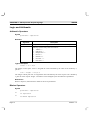
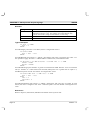
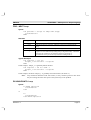
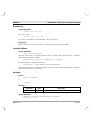
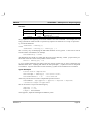
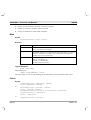
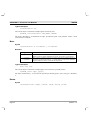
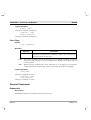
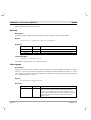
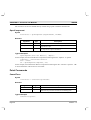
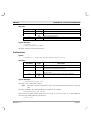
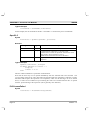
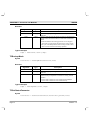
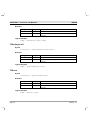
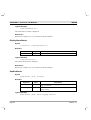
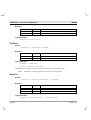
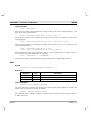
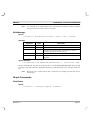
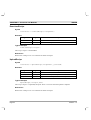
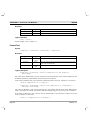
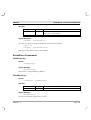
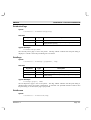
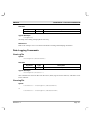
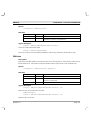
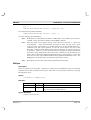
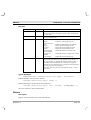
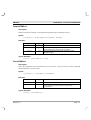
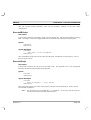
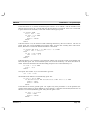
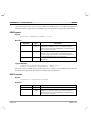
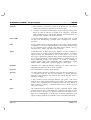
OutputCOMPort
Description
Sends an ASCII text message out through the designated serial communications port.
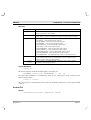
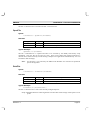
Syntax
ReturnState = OutputCOMPort(PortNumber, Message)
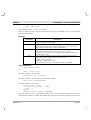
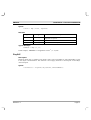
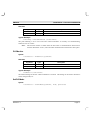
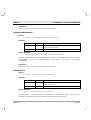
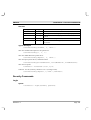
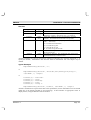
Remarks
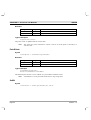
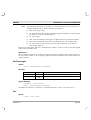
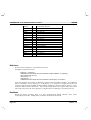
Argument
Type
ReturnState
PortNumber
Bool
Integer
message
Text
Description
True if successful else false.
The number of the port previously configured using the function
SetupCOMPort and opened with OpenCOMPort.
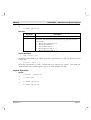
Text point holding the ASCII text message to send
through the port.
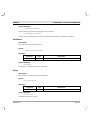
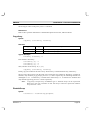
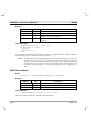
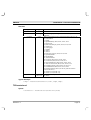
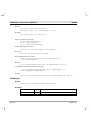
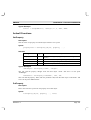
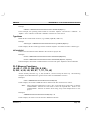
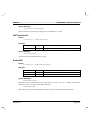
Typical Example:
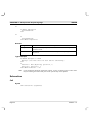
bState = OutputCOMPort(1, Msg)
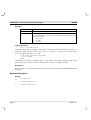
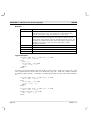
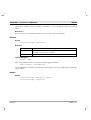
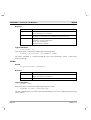
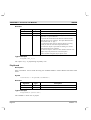
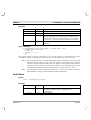
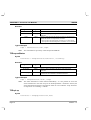
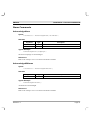
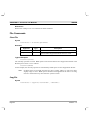
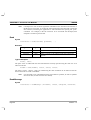
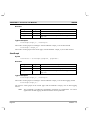
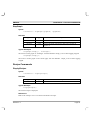
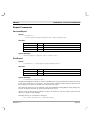
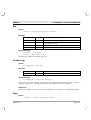
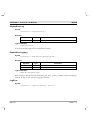
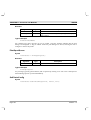
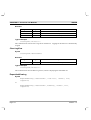
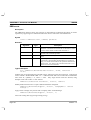
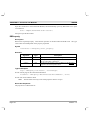
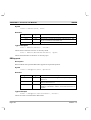
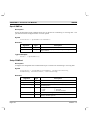
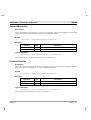
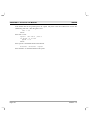
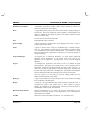
CloseCOMPort
Description
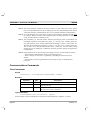
Closes the designated serial communications port on the PC. The port must have been configured
and opened before it can be closed.
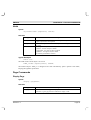
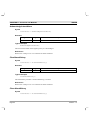
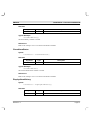
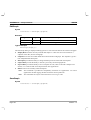
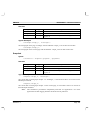
Syntax
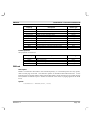
ReturnState = CloseCOMPort(PortNumber)
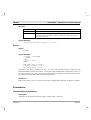
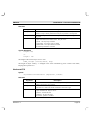
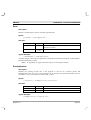
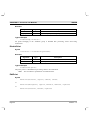
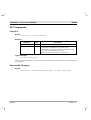
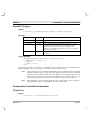
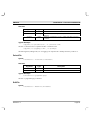
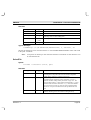
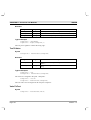
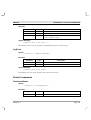
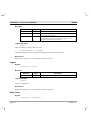
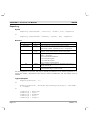
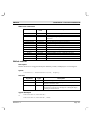
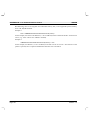
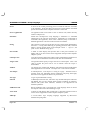
Remarks
Argument
Type
ReturnState
PortNumber
Bool
Integer
Description
True if successful else false.
The number of the port previously configured using the function
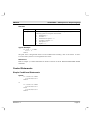
SetupCOMPort and opened using the script function
OpenCOMPort.
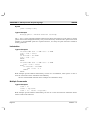
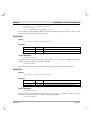
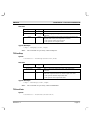
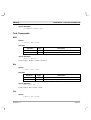
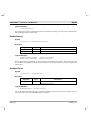
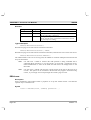
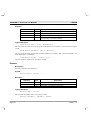
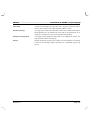
Typical Example:
bState = CloseCOMPort(1)
Revision 1.2
Page 131