1
z
z
z
z
z
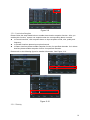
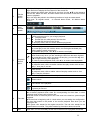
Frame rate: It ranges from 1f/s to 25f/s in NTSC mode and 1f/s to 30f/s in PAL mode.
Bit rate type: system supports two types: CBR and VBR. In VBR mode, you can set video
quality.
Quality: There are six levels ranging from 1 to 6. The sixth level has the highest image
quality.
Video/audio: you can enable or disable the video/audio. Please note the video is enabled for
main stream by default. For extra stream, please enable video first and then enable audio.
Snapshot: Click snapshot button, you can see it contains the four items: mode/image
size/image quality/snapshot frequency. Please refer to chapter 2.3.3 for detail information.
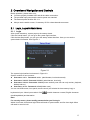
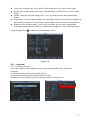
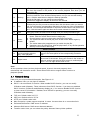
Please highlight icon
to select the corresponding function.
Figure 2-8
2.5.1 Snapshot
2.5.1.1 Schedule Snapshot
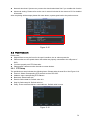
In Encode interface, click snapshot button to input snapshot mode, size, quality and
frequency.
In General interface please input upload interval.
In Schedule interface, please enable snapshot function.
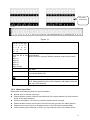
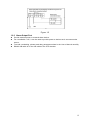
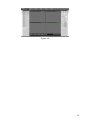
Please refer to the following figure for detail information. See Figure 2-9.
17