1
Phason
TVS user manual
Changing parameter settings
Follow the steps below to view and/or edit the parameters in any program. After editing the parameters,
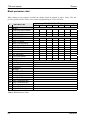
mark the changes in the Blank Program Tables in Appendix D for future reference.
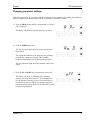
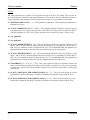
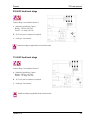
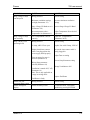
1) Press the PROG button until the program that you want to
edit is displayed.
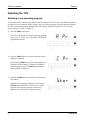
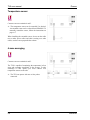
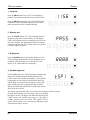
The display will flash the program letter (A to g) and Pr.
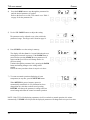
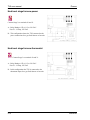
2) Press the PARM button once.
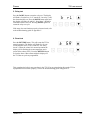
The first (left-most) digit shows the program letter that is
being edited.
The second digit indicates if the program is the operating
program. An o means the program is the operating
program, a blank means it is not the operating program.
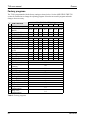
The two right-most digits show the parameter number to be
edited.
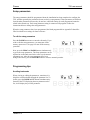
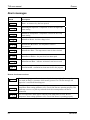
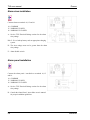
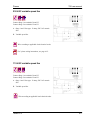
3) Press the UP or DOWN key to turn memory protect off.
The display will show Ao 0 and then oFF, indicating
memory protect has been turned off. The parameters can
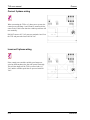
now be adjusted. If memory protect is not turned off, the
parameters can only be viewed. Attempting to adjust the
parameters while memory protect is on will result in an Err
message being displayed.
102455 rev. 4
9