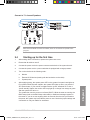
1
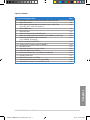
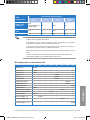
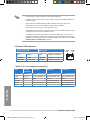
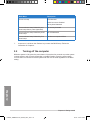
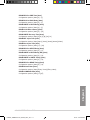
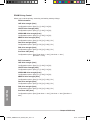
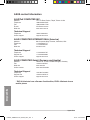
BIOS Beep
Description
One short beep
VGA detected
Quick boot set to disabled
No keyboard detected
7.
One continuous beep followed by two
short beeps then a pause (repeated)
No memory detected
One continuous beep followed by three
short beeps
No VGA detected
One continuous beep followed by four
short beeps
Hardware component failure
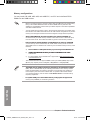
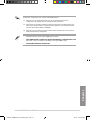
At power on, hold down the <Delete> key to enter the BIOS Setup. Follow the
instructions in Chapter 3.
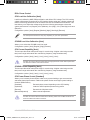
2.5 Turning off the computer
While the system is ON, press the power button for less than four seconds to put the system
on sleep mode or soft-off mode, depending on the BIOS setting. Press the power switch
for more than four seconds to let the system enter the soft-off mode regardless of the BIOS
setting.
Chapter 2
2-18
++E8042_SABERTOOTH_990FX_R2.0_V218 18
Chapter 2: Getting started
9/1/13 3:34:17 PM