1
TDP43ME
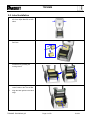
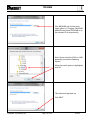
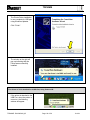
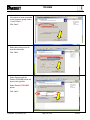
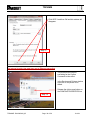
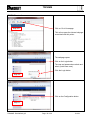
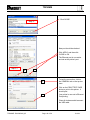
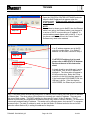
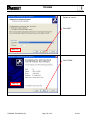
14. After the driver installation is
complete, there should be a
new printer model on Windows
"Printer and Faxes" page. If it
does not appear automatically,
press “F5” to refresh the page.
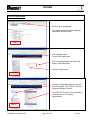
If The Printer Is To Be Installed On An Ethernet Port:
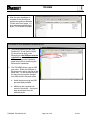
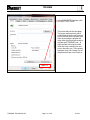
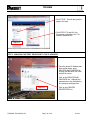
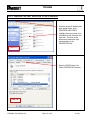
1. The printer default ports are USB,
Parallel (LPT1) and Serial (COM1).
For the printer to work on the
Ethernet port, the USB port must be
installed first. Install printer on the
USB port using printer installation
steps above prior to continuing this
Ethernet port installation.
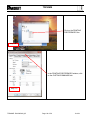
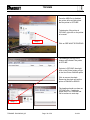
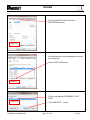
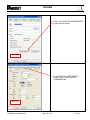
2. The TDP43ME printer is set to USB
port active. Either the USB port or
Ethernet port is active, not both at the
same time. To use the Ethernet port,
the port circuitry must be changed
from USB active to Ethernet active.
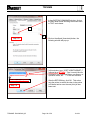
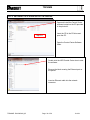
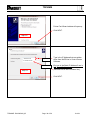
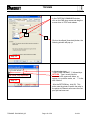
a. Install the printer using the USB
port and cable provided.
b. Make sure the computer has
control of the printer. A test print
page should print from the
selected printer.
TDP43ME: PA26305A01_05
Page: 26 of 59
12-2011