1
Stages Tab
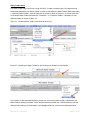
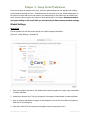
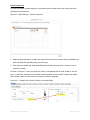
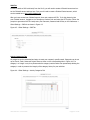
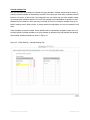
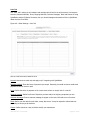
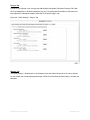
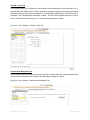
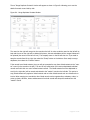
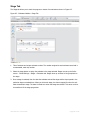
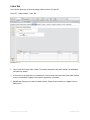
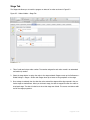
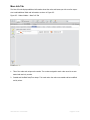
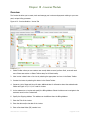
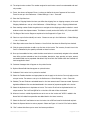
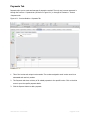
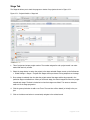
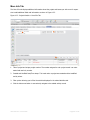
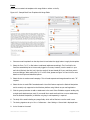
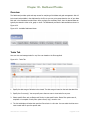
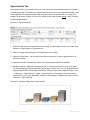
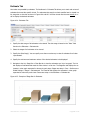
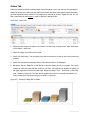
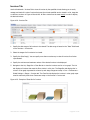
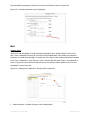
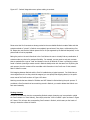
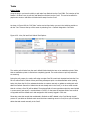
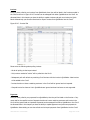
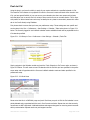
All stages can be customized and setup by you to meet your company’s specific needs. Stages can be set
up for Opportunities, Estimates, Orders, Invoices and Projects as shown on the corresponding tabs in
Figure 4.7. Please ensure that you have setup your stages BEFORE you begin creating new records. The stages specified here are applied to a new record at the time the new record is
created.
Figure 4.7 - Global Settings > Stages Tab
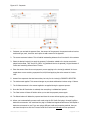
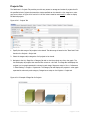
Please note that the stages are different for each module/tab. You can also reorder the stages using the
blue up and down arrows on the right.
User Manual – Core3 CRM
Page 22 of 129