1
Auto-Off
12.
The Auto-Off feature is designed to automatically exit Play Golf mode when the preset time has
expired. When in Play Golf mode, after the preset time has expired, an Auto-Off message will appear
on the watch. Select Resume to return to the round; the Auto-Off message will appear again after
1.5 hours. Select Exit Game to immediately exit the round and return to the Home (Time) screen.
If no selection is made for 10 minutes, the WR67 will automatically exit the round and return to the
Home (Time) screen, and power down the GPS module to preserve battery.
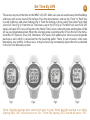
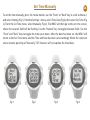
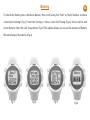
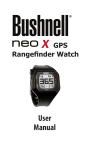
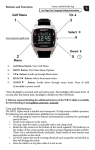
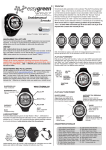
To set the Auto-Off time, press the Menu button, then scroll to Menu 2 and select Settings (Fig 1). From
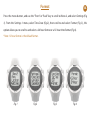
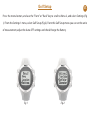
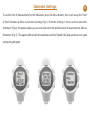
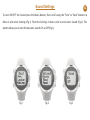
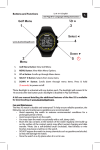
the Settings 1 menu, select Golf Setup (Fig 2), then select Auto-Off from the Golf Setup Menu (Fig 3).
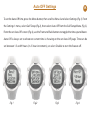
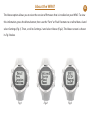
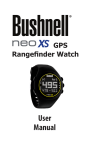
From the set Auto-Off screen (Fig 4), use the Front and Back buttons to toggle the time up and down.
Auto-Off is always set to whatever current time is showing on the set Auto-Off page. Time can be
set between 1.5 and 9 hours (in .5 hour increments), or select Disable to turn the feature off.
Fig 1
Fig 2
Fig 3
Fig 4