1
Gigaset A580 IP / Singapur English / A31008-M2013-Y201-2-7619 / settings_bs_hs_pabx.fm / 10.03.2010
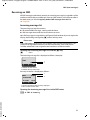
Operating the base station on the PABX
Operating the base station on the PABX
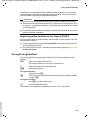
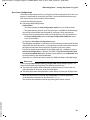
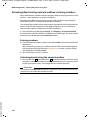
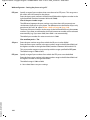
The following settings are only necessary when your PABX requires them; see the
PABX user guide. The settings only affect fixed line network connections.
You cannot send or receive SMS messages on PABXs that do not support Calling
Line Identification.
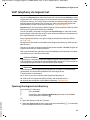
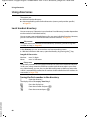
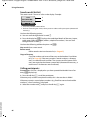
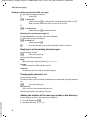
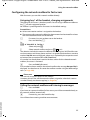
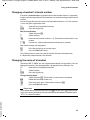
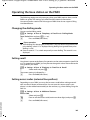
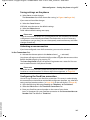
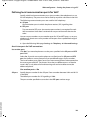
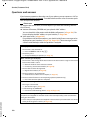
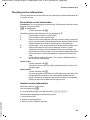
Changing the dialling mode
You can set the dialling mode.
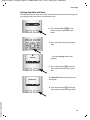
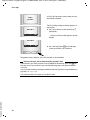
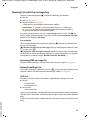
§§Menu§ ¢ Settings ¢ Base ¢ Telephony ¢ Fixed line ¢ Dialling Mode
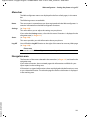
Tone / PulseSelect and press §OK§ (‰ = on).
a
Press and hold (idle status).
Please remember
u Suffix dialling (for selecting the connection) is not possible in conjunction with
pulse dialling: a hash "#" is displayed during dialling but ignored when pulse
dialling is used.
u Enter an asterisk "*" to switch temporarily to tone dialling. The asterisk is not
displayed.
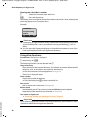
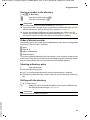
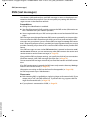
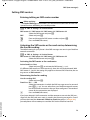
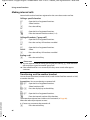
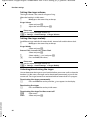
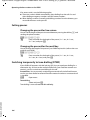
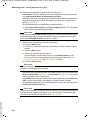
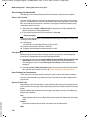
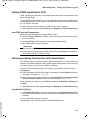
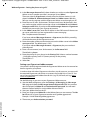
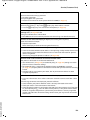
Setting recall
Your phone is preset at the factory for operation on the main connection (recall 250
ms). For operation on a PABX, you may have to change this value. Please refer to the
user guide for your PABX.
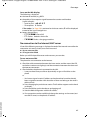
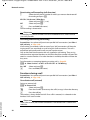
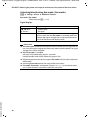
§Menu§ ¢ Settings ¢ Base ¢ Telephony ¢ Fixed line ¢ Recall
q
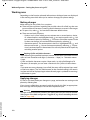
Select recall and press §OK§.
The current setting is indicated by ‰.
a
Press and hold (idle status).
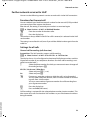
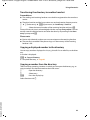
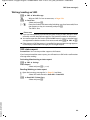
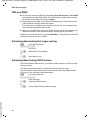
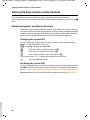
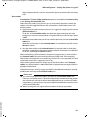
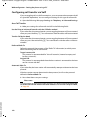
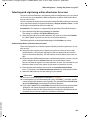
Setting access codes (external line prefixes)
Version 8, 03.09.2008
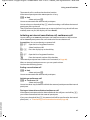
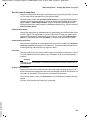
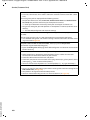
Depending on your PABX, you must dial an access code before making external
calls in order to obtain an external line. You can store this access code in your
phone. It is then added automatically to the numbers, e.g. when dialling using the
calls list.
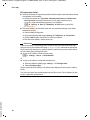
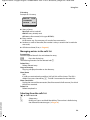
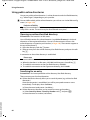
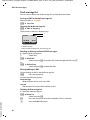
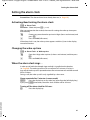
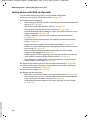
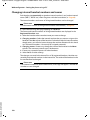
§Menu§ ¢ Settings ¢ Base ¢ Additional Features
Access Code
Select and press §OK§.
~
Enter or edit the access code (maximum three digits) and press §OK§.
a
Press and hold (idle status).
105