1
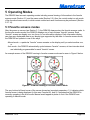
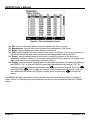
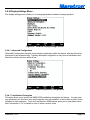
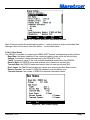
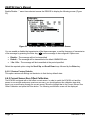
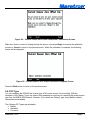
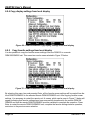
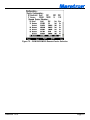
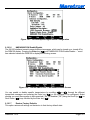
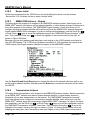
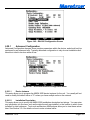
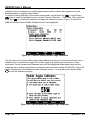
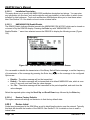
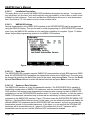
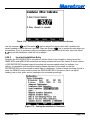
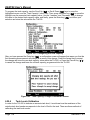
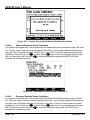
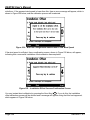
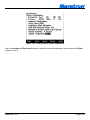
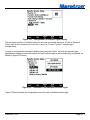
DSM150 User’s Manual 5.2.4.3 Backlight The DSM150 has three user-programmable lighting levels which may be cycled through using the Lights key ( ) on the keypad while the DSM150 is operating in favorite screens mode. Each time you quick press the Lights key ( ) in favorite screens mode, the DSM150 backlight will transition between the “Low” setting, the “Medium” setting, and the “High” setting Note that a quick press of the Lights key ( ) changes the screen intensity or backlight while a long press changes the color palette as described in Section 5.2.4.4. The Backlight menu allows you to program the “Low”, “Medium”, and “High” brightness levels. The value that appears next to the appropriate setting is measured in percent of full brightness. The Backlight menu can be seen in Figure 15 below. Figure 15 – Backlight Menu 5.2.4.4 Color Setup The DSM150 has eight user-programmable color palettes. The default color palettes are as follows: Color Set #1 – White Back Ground, Black Foreground Color Set #2 – Red Back Ground, Black Foreground Color Set #3 – Blue Back Ground, Black Foreground Color Set #4 – Green Back Ground, Black Foreground Color Set #5 – Black Background, White Foreground Color Set #6 – Black Background, Red Foreground Color Set #7 – Black Background, Blue Foreground Color Set #8 – Black Background, Green Foreground Choosing the “Color Setup…” menu item from the main “Display Settings…” menu takes you to the screen shown in Figure 16. Page 32 Revision 1.6.2