1
18
2.3
Chapter 2. List Manipulation
Some Built-in Predicates for List Manipulation
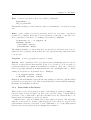
Prolog comes with a range of predefined predicates for manipulating lists. Some of the
most important ones are presented here. Note that they could all easily be implemented
by exploiting the head/tail-pattern.
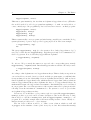
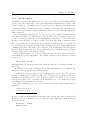
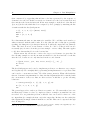
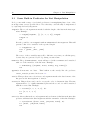
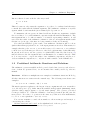
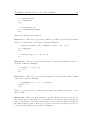
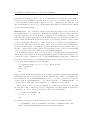
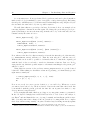
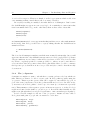
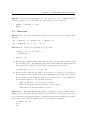
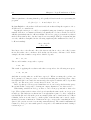
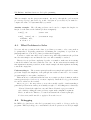
length/2: The second argument is matched with the length of the list in the first argument. Example:
?- length([elephant, [], [1, 2, 3, 4]], Length).
Length = 3
Yes
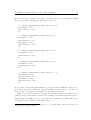
It is also possible to use length/2 with an uninstantiated first argument. This will
generate a list of free variables of the specified length:
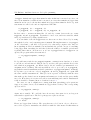
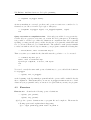
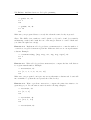
?- length(List, 3).
List = [_G248, _G251, _G254]
Yes
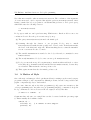
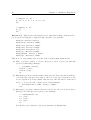
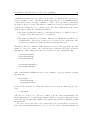
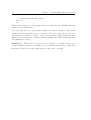
The names of those variables may well be different every time you call this query,
because they are generated by Prolog during execution time.
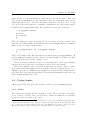
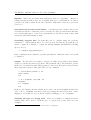
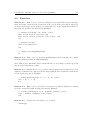
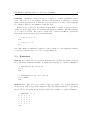
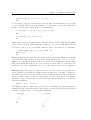
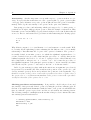
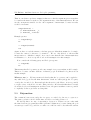
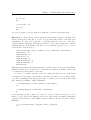
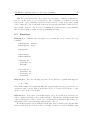
member/2: The goal member(Elem, List) will succeed, if the term Elem can be matched
with one of the members of the list List. Example:
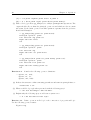
?- member(dog, [elephant, horse, donkey, dog, monkey]).
Yes
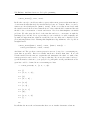
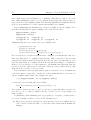
append/3: Concatenate two lists. This built-in works exactly like the predicate
concat_lists/3 presented in Section 2.2.
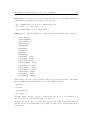
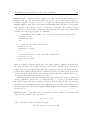
last/2: This predicate succeeds, if its second argument matches the last element of the
list given as the first argument of last/2.
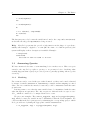
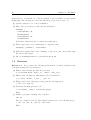
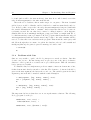
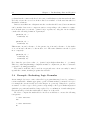
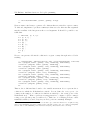
reverse/2: This predicate can be used to reverse the order of elements in a list. The first
argument has to be a (fully instantiated) list and the second one will be matched
with the reversed list. Example:
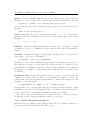
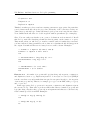
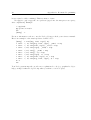
?- reverse([1, 2, 3, 4, 5], X).
X = [5, 4, 3, 2, 1]
Yes
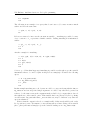
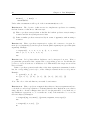
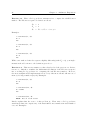
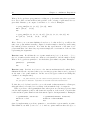
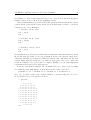
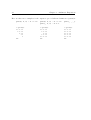
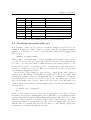
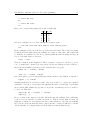
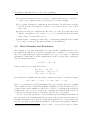
select/3: Given a list in the second argument and an element of that list in the first, this
predicate will match the third argument with the remainder of that list. Example:
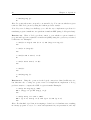
?- select(bird, [mouse, bird, jellyfish, zebra], X).
X = [mouse, jellyfish, zebra]
Yes