1
Dr.Web MailD
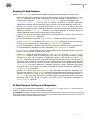
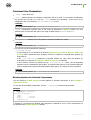
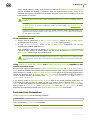
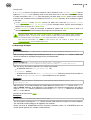
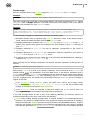
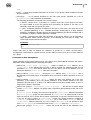
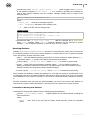
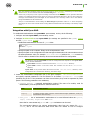
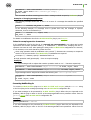
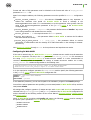
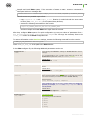
default. Thus, the section which contains settings in this group has the following heading: [Rule:
default], at that, default can be omitted and the section name can be as follows: [Rule]. To use
default settings in a rule, specify rule=default directive.
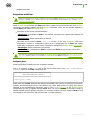
Do not confuse the [Rule] section and the [Rules] section: in the latter, Rules of message processing
are specified!
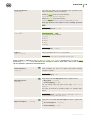
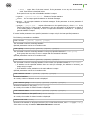
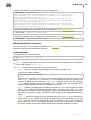
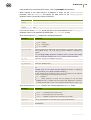
The [Rule] section contains default values for all parameters that can be used in Rules. See description
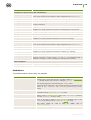
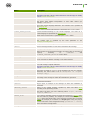
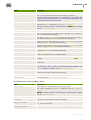
of these parameters in the chapter Parameters used in Rule SETTINGS.
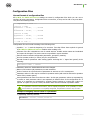
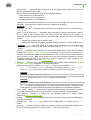
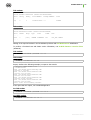
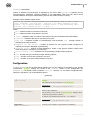
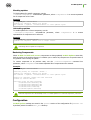
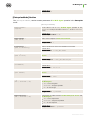
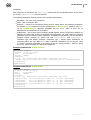
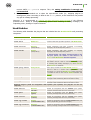
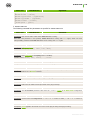
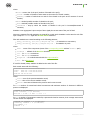
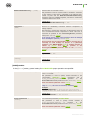
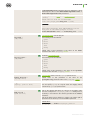
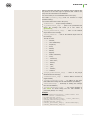
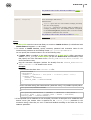
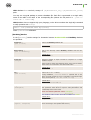
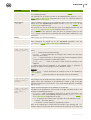
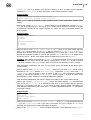
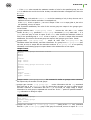
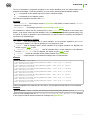
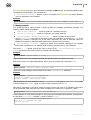
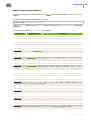
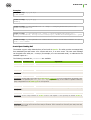
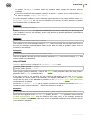
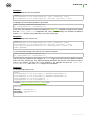
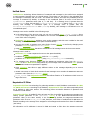
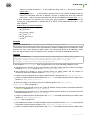
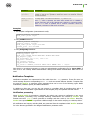
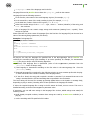
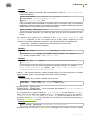
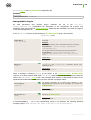
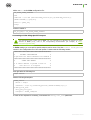
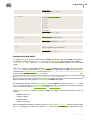
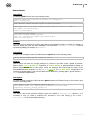
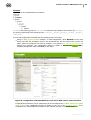
Example:
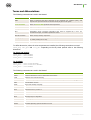
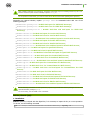
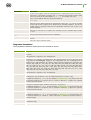
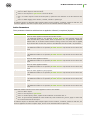
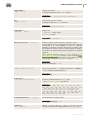
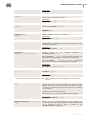
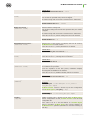
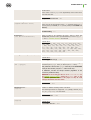
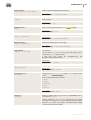
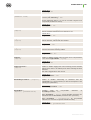
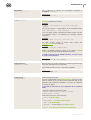
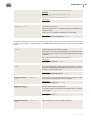
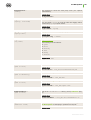
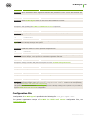
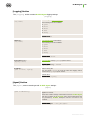
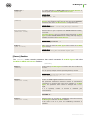
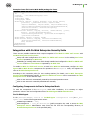
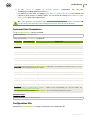
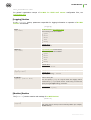
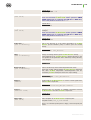
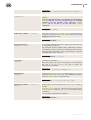
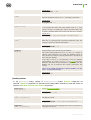
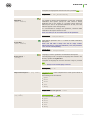
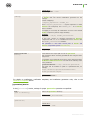
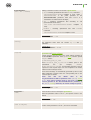
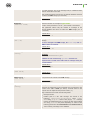
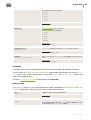
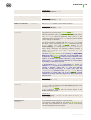
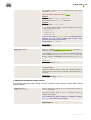
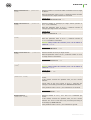
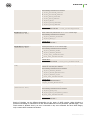
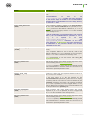
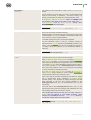
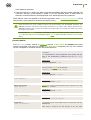
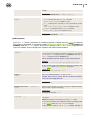
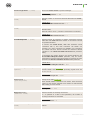
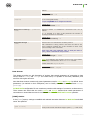
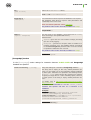
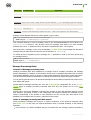
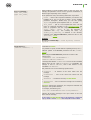
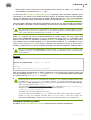
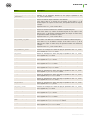
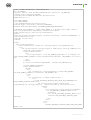
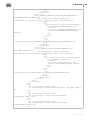
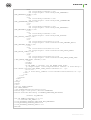
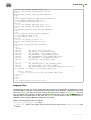
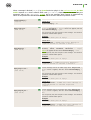
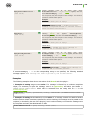
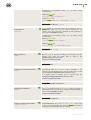
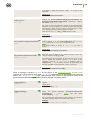
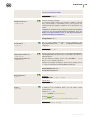
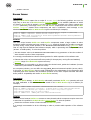
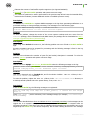
[Rule]
notify
notify.Virus
notify.Cured
notify.Skip
notify.Archive
notify.Error
notify.Rule
notify.License
notify.Malware
html = yes
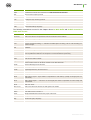
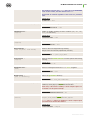
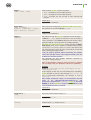
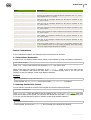
=
=
=
=
=
=
=
=
=
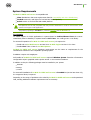
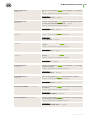
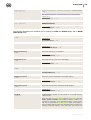
block
allow(any)
allow(admin:sender)
block
allow(admin)
allow(admin)
allow(admin)
allow(admin)
allow(any)
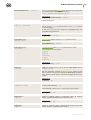
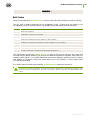
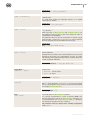
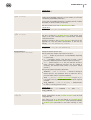
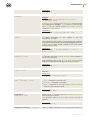
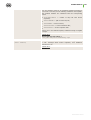
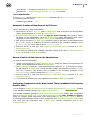
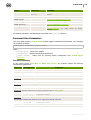
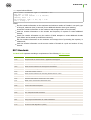
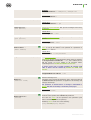
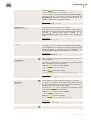
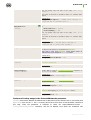
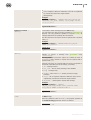
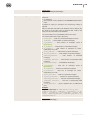
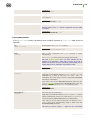
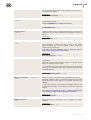
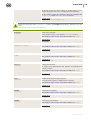
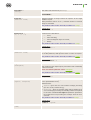
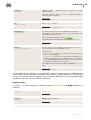
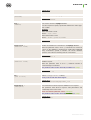
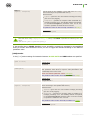
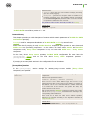
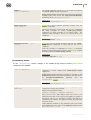
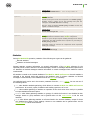
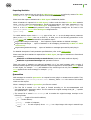
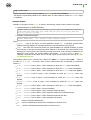
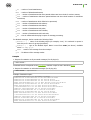
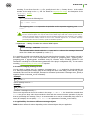
In the given example, default values for the notify and html parameters are set. They will be used
for all email messages unless the values are redefined by a Rule.
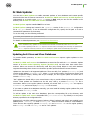
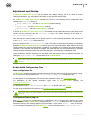
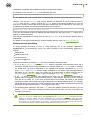
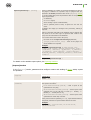
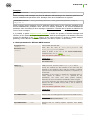
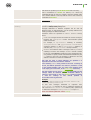
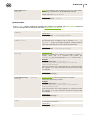
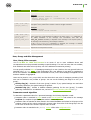
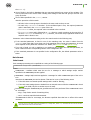
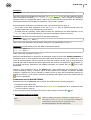
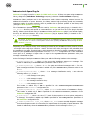
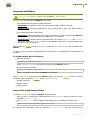
[Rules] Section
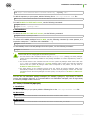
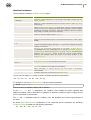
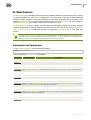
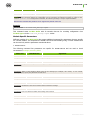
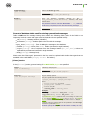
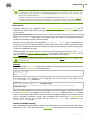
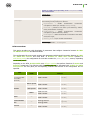
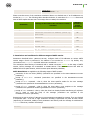
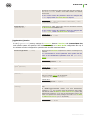
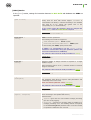
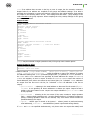
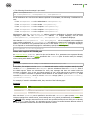
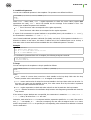
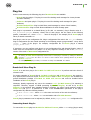
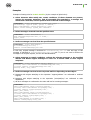
The [Rules] section of the main configuration file contains general rules of message processing.
Note that the [Rules] section structure differs from structure of other sections: instead of
<Parameter> = <Value> pairs it contains Rules of message processing that are specified one per line
(if force hyphenation is not used).
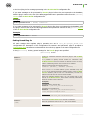
For details on the format used for specifying a rule, see Rules of message processing.
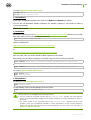
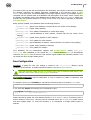
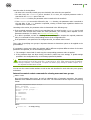
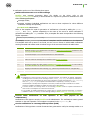
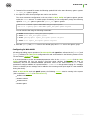
Parameters that must be used for processing of a certain message are searched downwards according
to the order they are specified in the [Rules] section. Thus, the order you set them is important:
more specific rules must be mentioned before more general rules (for details, see Message processing).
If specified Rules are associated with users (that is, they have sender's or recipient's email addresses as
a condition) and number of users with individual rules is high, using of the rules for setting specific
processing parameters is ineffective, as complexity of search is proportional to the number of the Rules.
Therefore, it is recommended to store individual user settings in the local database. In this case, search
of true rules is performed more effectively and moreover, memory usage is optimized.
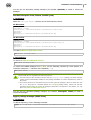
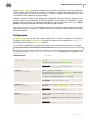
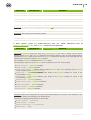
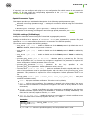
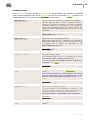
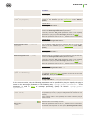
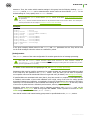
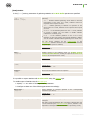
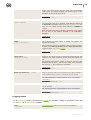
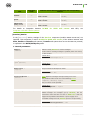
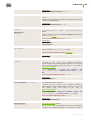
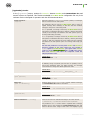
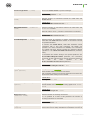
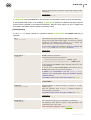
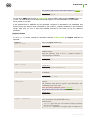
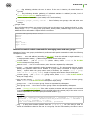
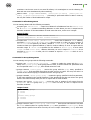
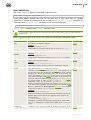
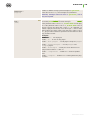
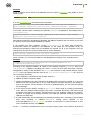
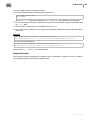
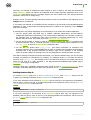
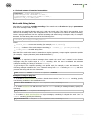
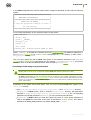
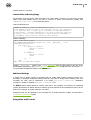
Parameter values that are frequently used in Message processing rules (SETTINGS part) can be
organized into named groups. Each of the groups with <NAME> name is present in the main Dr.Web
MailD configuration file as a section [Rule: <NAME>].
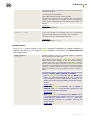
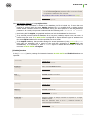
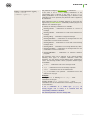
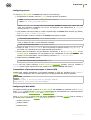
Note that all sections with named setting groups must be specified above the [Rules] section.
Administrator Manual
160