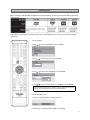
1
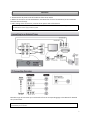
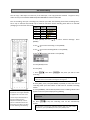
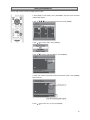
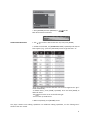
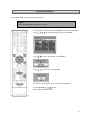
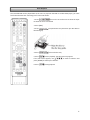
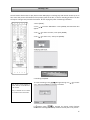
Connection 1. Disconnect the AC power cords of the devices from the AC outlet. 2. Make the connection as illustrated below or see Manual for full list of connections (see TV Connection Overview section for help). 3. After making all the connections, connect the AC power cords of the devices. Connect this unit directly to the TV. If the RCA audio/video cables are connected to a VCR, DVD playback pictures may be distorted due to the copy protection system. Review the type of connection your TV has and refer to the corresponding page in the Manual for detailed set-‐up instructions. A RCA audio cable (L/R) and a RCA video cable are included with this unit. All other cables for additional set-‐up’s can be purchased at your local store. 3