1
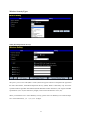
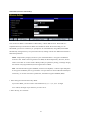
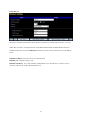
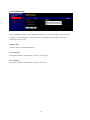
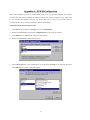
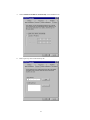
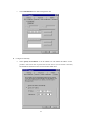
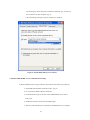
3.If choosing use smart card or the certificate as the EAP type, we select to
use a certificate on this computer. (Fig 3)
4. We will change EAP type to fit the variable test condition.
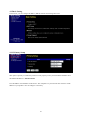
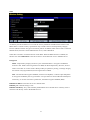
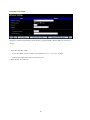
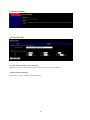
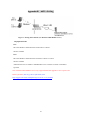
Figure 2: Enable IEEE 802.1X access control
4. Windows 2000 RADIUS server Authentication testing:
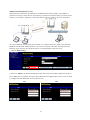
4.1DUT authenticate PC1 using certificate. (PC2 follows the same test procedures.)
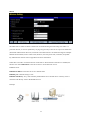
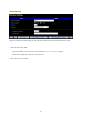
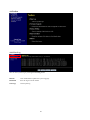
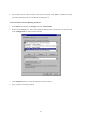
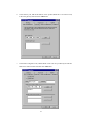
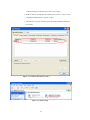
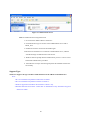
1. Download and install the certificate on PC1. (Fig 4)
2. PC1 choose the SSID of DUT as the device.
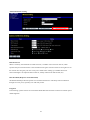
3. Set authentication type of wireless client and RADIUS server both to
EAP_TLS.
4. Disable the wireless connection and enable again.
5. The DUT will send the user's certificate to the RADIUS server, and then
38