1
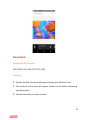
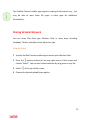
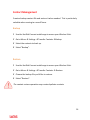
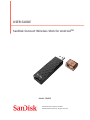
1 Use the SanDisk Connect mobile app to access your Wireless Stick. 2 Go to Menu ! Settings ! Change Drive Wi-‐Fi Name. 3 In the text box, name the drive and hit OK. Reformatting Wireless Stick 1 Connect the drive to a PC/Mac computer through the USB connector. 2 Format the drive as a regular USB flash drive. The 64GB and higher capacity drive can be formatted as exFAT. 16GB & 32GB devices must be formatted as FAT32. . All data on the drive will be lost after formatting. Please back up your data before formatting. About the Device 1 Use the SanDisk Connect mobile app to access your Wireless Stick. 2 Go to Menu ! About 3 Under the About section, you can see a. Current app version b. Wireless Stick firmware version c. MAC Address of the Wireless Stick d. SanDisk Privacy Statement e. Legal terms and conditions 26