1
Windows 10
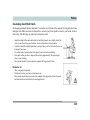
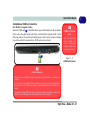
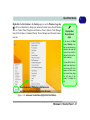
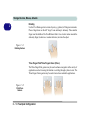
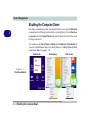
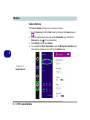
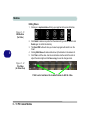
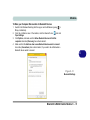
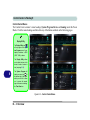
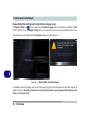
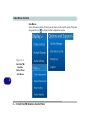
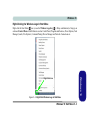
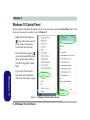
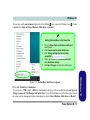
Right-Clicking the Windows Logo In Start Menu
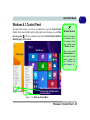
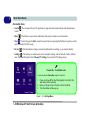
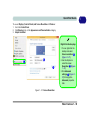
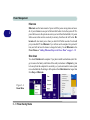
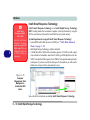
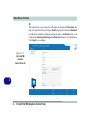
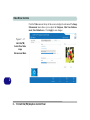
Right-click the Start Menu
icon (or use the Windows Logo Key
+ X key combination) to bring up an
advanced Context Menu of useful features such as Control Panel, Programs and Features, Power Options, Task
Manager, Search, File Explorer, Command Prompt, Device Manager and Network Connections etc.
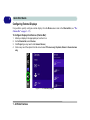
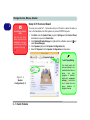
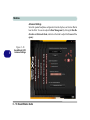
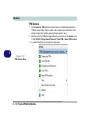
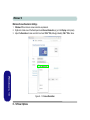
Figure E - 2 - Right-Click Windows Logo in Start Menu
Windows 10 Start Menu E - 3
Windows 10
Right-Click Icon