1
Digital Video Recorder
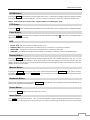
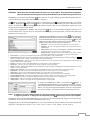
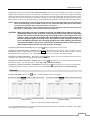
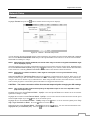
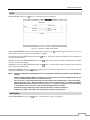
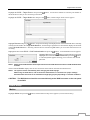
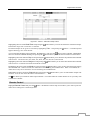
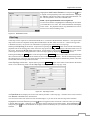
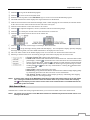
Highlight the boxes beside Mirror and press the
button. The DVR can be set up to mirror Source disks to designated
Dest. (destination) disks selected from internal hard disk drives. Refer to the Chapter 4 – Disk Mirroring for further
information on setting up disk mirroring.
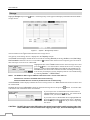
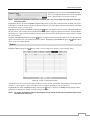
Monitoring
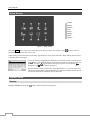
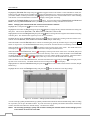
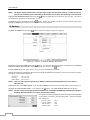
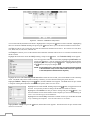
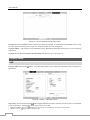
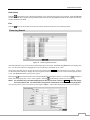
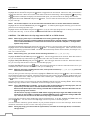
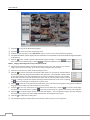
Highlight Monitoring and press the
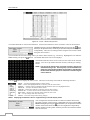
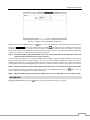
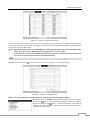
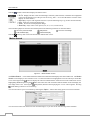
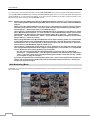
button, and the Monitoring setup screen appears.
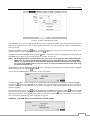
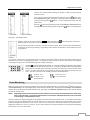
Figure 12 : System – Monitoring setup screen.
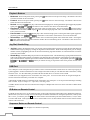
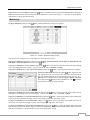
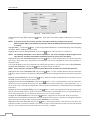
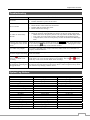
The DVR can be configured to run self-diagnostics and report the results.
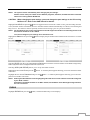
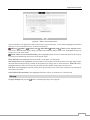
Highlight the Settings box beside the desired event (System, Check Recording, Check Alarm-In, Disk Almost Full,
Disk Bad, or Disk Temperature), and press the
button.
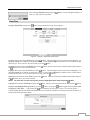
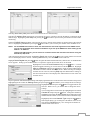
Highlight the Settings box beside System and press the
button. You can select the interval that you want the DVR
to run self-diagnostics on the system. You can select from 1 hr. to 30 days or Never.
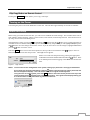
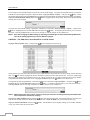
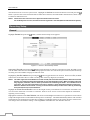
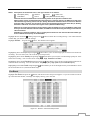
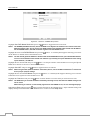
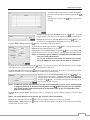
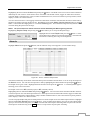
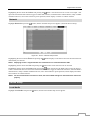
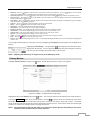
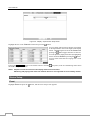
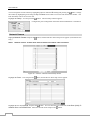
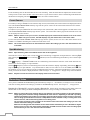
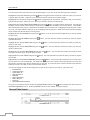
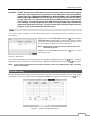
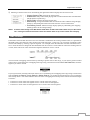
Highlight the Settings box beside Check Recording and press the
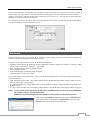
button. The Check Recording screen appears.
Highlighting Schedule On and pressing the
button toggles On and
Off. When set to On, you can select the day, time range and interval
that you want the DVR to run self-diagnostics on the recorder. The
Interval can be selectable from 1 min. to 7 days or Never. Highlight
the + and press the
button to add a schedule item. The box allows
you to delete a check recording schedule.
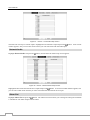
Highlight the Settings box beside Check Alarm-In and press the
button. You can select the interval that you want
the DVR to run self-diagnostics on Alarm Inputs. You can select from 1 hr. to 30 days or Never.
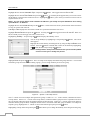
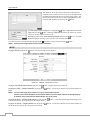
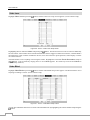
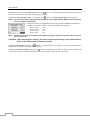
Highlight the Settings box beside Disk Almost Full, and press the
button. Select the percentage level of disk usage
at which you want the DVR to trigger an alert. Percentage levels range from 80% to 99%.
Highlight the Settings box beside Disk Bad, and press the
button. Select percentage level of bad disk sectors at
which you want the DVR to trigger an alert. Percentage levels range from 10% to 90%.
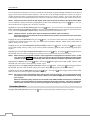
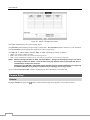
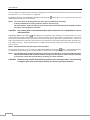
Highlight the Settings box beside Disk Temperature, and press the
button. Select the temperature of hard disk
drive at which you want the DVR to trigger an alert if the temperature exceeds the defined threshold. Refer to the hard
disk drive manufacturer’s documentation for the correct temperature setting.
21