1
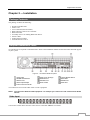
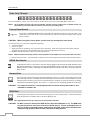
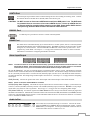
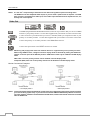
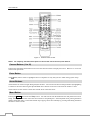
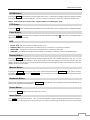
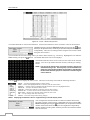
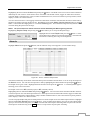
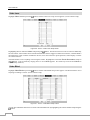
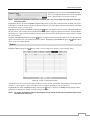
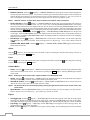
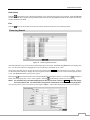
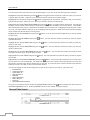
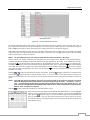
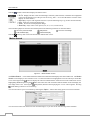
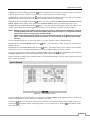
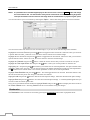
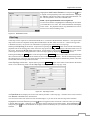
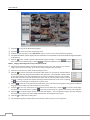
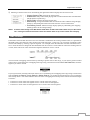
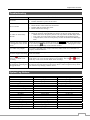
Digital Video Recorder ZOOM Button Pressing the ZOOM button zooms the current image on the screen. A PIP with a rectangle temporarily displays showing what area of the screen has been enlarged. You can use the arrow buttons to move the rectangle to another area. NOTE: Entering the zoom mode is NOT supported while in the SD display mode. PTZ Button Pressing the PTZ button enters the PTZ (Pan/Tilt/Zoom) mode which allows you to control properly configured cameras. Panic Button Pressing the PANIC button starts panic recoding of all camera channels, and displays on the screen. Pressing the button again will stop panic recording. LED Power LED: The Power LED is lit when the unit is On. Network LED: The Network LED is lit when the unit is connected to a network via Ethernet. iSCSI LED: The iSCSI LED is lit when an iSCSI device is connected to the DVR. HDD LED: The HDD LED flickers when the DVR is recording or searching video on the hard disk drive. Display Button Pressing the DISPLAY button toggles between different display formats. The available formats are: 2x2, 3x2, 3x3, 4x3 or 4x4 (2x2 or 4x4 on a Spot Monitor). Pressing the button while in 4x4 display format for local cameras enters the display mode for network devices, and pressing the button while in 4x4 display format for network devices enters the display mode for local cameras. Monitor Button Pressing the MONITOR button toggles the monitor selection between Primary ( MONITOR 1 on the remote control), Secondary ( MONITOR 2 ) and Spot ( MONITOR 3 ). You can select the screen format and sequence monitoring of the selected monitor. Bookmark Button When in the playback mode, pressing the BOOKMARK button adds the current playback point to the bookmark list or moves to the registered bookmark point. Freeze Button Pressing the FREEZE button freezes the current live screen. Alarm Button The ALARM button has two functions. First, it will reset the DVR’s outputs including the internal buzzer during an alarm. Second, it will display the event log when you are in the live monitoring mode unless there is an active alarm. 11