1
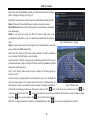
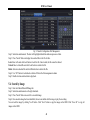
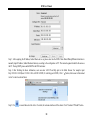
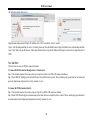
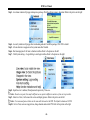
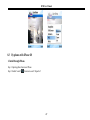
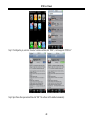
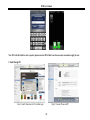
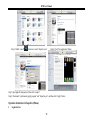
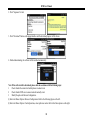
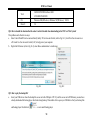
DVR User Manual Third: Select ―open in 32- bit mode‖. 7.2.1 On LAN Step 1: After starting Apple computer, click Apple icon. The following window will pop up. Please select ―System Preferences‖‖Internet &Wireless‖click ―Network‖ Step 2: Enter into Network interface and then click ―Ethernet Connected‖ to check the internet connection of Apple PC. 49