1
DVR User Manual
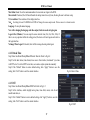
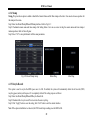
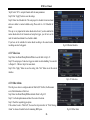
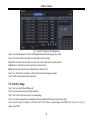
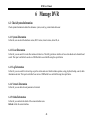
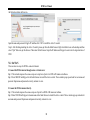
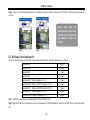
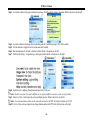
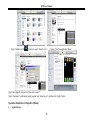
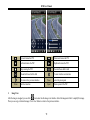
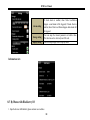
Step6:Camera 1 is the default channel after login. Change the channel in rolling-down menu of ―Channel‖. Refer to the below picture on
the right:
Notice: User name and
password here are the same
with that used on the DVR.
The default is admin and
123456.
8.2 By Phones with Symbian OS
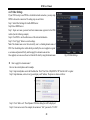
Please use the smart phones with symbian version supported by this unit. The detail information is as follows:
Symbian S40
support
Symbian UIQ
support
Symbian S80
support
Symbian S60
support
Symbian S60 3rd Edition-Symbian OS v9.1
support
Symbian S60 3rd Edition with FP 1-Symbian OS v9.2
support
Symbian S60 3rd Edition with FP2-Symbian OS v9.3
support
Symbian S60 5th Edition-Symbian OS v9.4
support
Symbian S60 5.1 Edition-Symbian OS v9.5
support
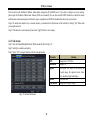
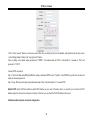
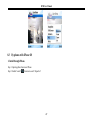
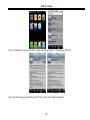
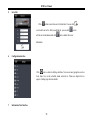
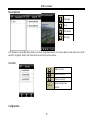
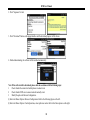
Step1:Enable the network access on mobile phone. Then run Web browser.
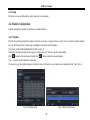
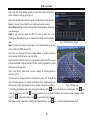
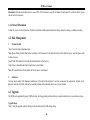
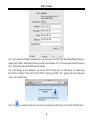
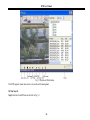
Step2:Input the DVR server‘s IP address in a new-built bookmark. Click this bookmark to connect to the DVR. Refer to the picture on the
left:
65