1
D. SETTING
–
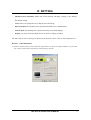
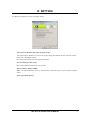
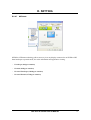
Standard (nView disabled): disable the nView function, allowing viewing on one display.
The default setting.
–
Clone: allow two output devices to display the same image.
–
Horizontal Span: the desktop area is spread horizontally across both displays.
–
Vertical Span: the desktop area is spread vertically across both displays.
–
Display: you may select the output device on which to display windows.
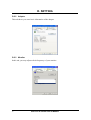
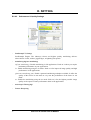
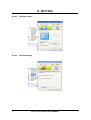
You may click on Device Settings to adjust screen position, correct color or select output device.
D.2.6.1.1 Color Correction
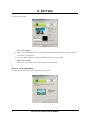
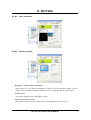
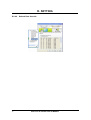
a. In Device Selection tab you may select the output device on which to display Windows. If you check
“TV”, then you may select TV format by clicking Change Format.
GeForce 6 Series User’s Manual
13