1
8-4.3.2 Image size
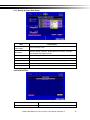
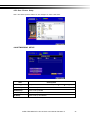
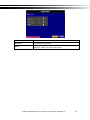
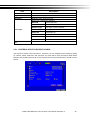
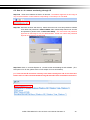
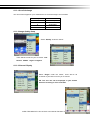
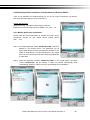
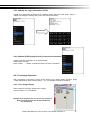
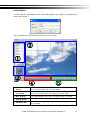
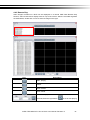
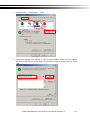
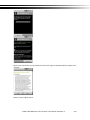
Due to the variety sizes of mobile device screens, this software offers two different methods for
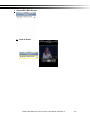
image display. Press “Size” in menu, and then there will be options, “Original” and “Fit Screen”
available to choose from.
Option
Original
Fit Screen
Description
Image appears as its original size.
Image appears to be the most
optimized size according to the
screen.
8-4.3.3 Image Rotation
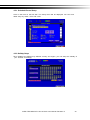
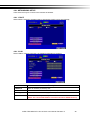
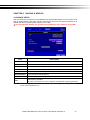
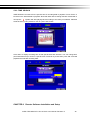
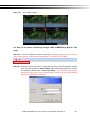
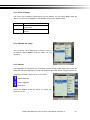
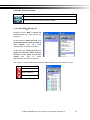
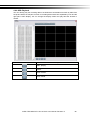
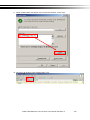
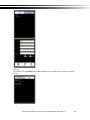
There are two options for live image display. One is to appear as
its original image, or to rotate the image by 90 degrees.
Press “Rotate” in menu and there will be options, “Normal” and
“Rotate” available to choose from.
8-4.3.4 Alarm
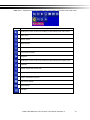
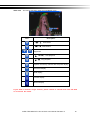
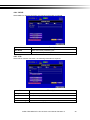
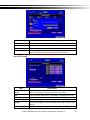
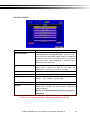
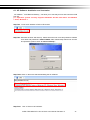
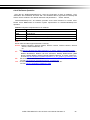
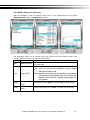
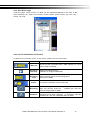
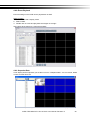
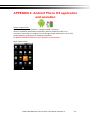
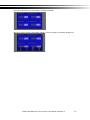
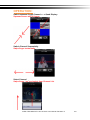
Besides DVR live monitoring, alarm feature is also available through this software. If events like,
Motion Detection, Sensor Detection, VLOSS …etc. occur, there will be alarm sound and alarm
images appear on the status.
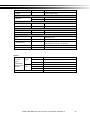
Icon
Description
Motion
Detection
Sensor
Detection
VLOSS
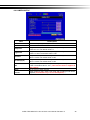
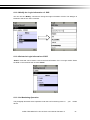
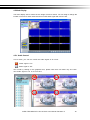
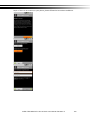
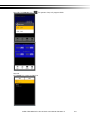
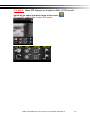
Press “Alarm” in menu, there will be options,
“Alarm OFF” and “Alarm ON” available to choose from.
iVIEW TECHNOLOGY HD-16 PRO User Manual Revision D
71