1
2
Getting started
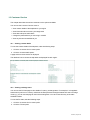
This chapter describes how to log in to MSO and explains the layout of the user interface and the various
options available to you while using the application.
2.1
Logging in for the first time
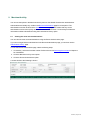
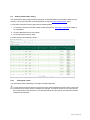
To be able to use MSO, you will be provided with a link. You will also receive an email with your user
name and a separate e-mail with your password.
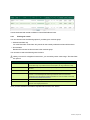
To log in for the first time, take the following steps.
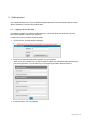
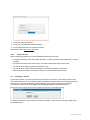
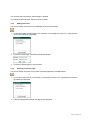
1. Click on the link. The login dialog is displayed.
2. Enter the user name and password provided to you by PaySquare.
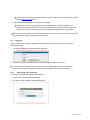
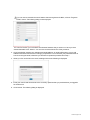
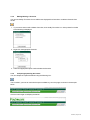
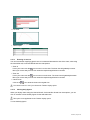
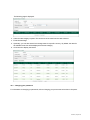
When you log in for the first time, you will be asked to change your password and provide answers to
two security questions. You can select any of the questions provided in the drop-down list.
3. Enter and confirm your new password.
23/02/2015 | Page 7 of 64