1
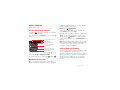
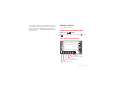
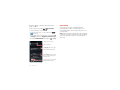
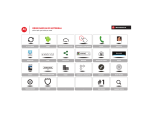
Use & change your home screen
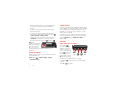
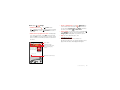
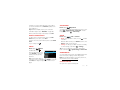
On your home screen, shortcuts are icons that open
your favorite apps, web bookmarks, contacts, mail
labels, playlists, and more. Widgets are live apps or tools
that provide news, weather, messages, and other
updates.
• To open something, touch it. Touch Home
Back
to return to the home screen.
or
Tip: When you open a widget, touch Menu
to see
any options or settings. You can choose accounts for
some widgets, like Calendar, Email, Facebook, and
Gmail.
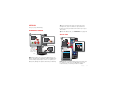
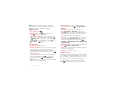
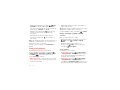
• To add shortcuts to the home screen, touch
Apps
, touch and hold an app, then drag it to a spot
on the home screen pages.
To create a shortcut folder, drag one shortcut onto
another to put them both in a folder. To add other
shortcuts, drag them onto the folder icon. To name
the folder, touch it and enter a name at the bottom.
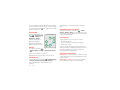
• To add widgets, touch Apps
, touch Widgets at the
top, then touch and hold a widget (or flick left to see
more widgets).
• To move widgets or shortcuts, touch and hold them,
then drag to a new location.
• To remove shortcuts or widgets from the home
screen, touch and hold them, then drag to Remove at
the top.
• To change wallpaper, touch and hold a blank spot on
the home screen.
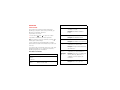
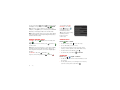
Shortcuts in the favorites tray at the bottom of the home
screen always appear in all home screen views. You can
drag shortcuts or folders in or out of the favorites tray
(except the Apps
button) for instant access from any
home screen.
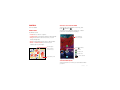
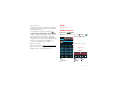
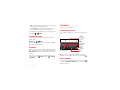
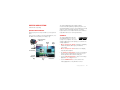
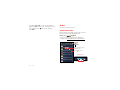
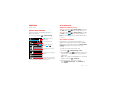
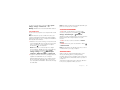
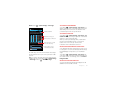
Phone status & notifications
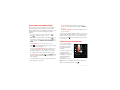
Icons at the top right of
the screen show status
information like signal
strength, battery level,
and time.
Icons at the top left show
messages and app
notifications. To see your
notifications, touch the
status bar and drag it
down. Touch a
notification to select it.
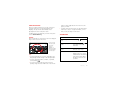
4:00
Thursday
December 20, 2012
Wi-Fi networks available
11:20 AM
Select a Preferred Network
Jim Somers: Meeting time?
11:23 AM
[email protected]
3 new messages
10:49 AM
Gmail
New voicemail
10:41 AM
Dial *86
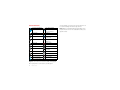
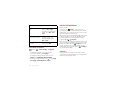
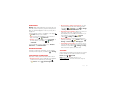
Tip: To remove a notification from the list, flick it left or
right. To clear all notifications, touch
.
Home screen
11