1
Mantano Reader for Android : User Manual | 3
3.4.
Using filters ......................................................................................................15
Collections ........................................................................................................15
How to create a collection or a sub-collection? ...........................................15
How to add an item to a collection ? .............................................................16
3.5.
Reading PDF / EPUB eBooks or documents ................................................16
Browse through the document pages ...........................................................16
Set the display options ....................................................................................17
Use the reading functions...............................................................................17
3.6.
Night mode and custom themes ....................................................................20
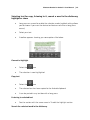
Highlighting text in a PDF or an EPUB document .......................................20
To highlight: ......................................................................................................20
To edit the highlight: .......................................................................................21
Change Color ....................................................................................................22
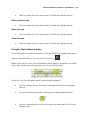
Text to speech ..................................................................................................22
Delete ................................................................................................................22
Add text note ....................................................................................................22
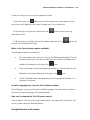
Add a graphical note .......................................................................................23
Search a word in a dictionary .........................................................................23
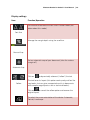
Share .................................................................................................................23