1
01V96i Quick Start Guide
MONITOR
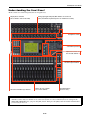
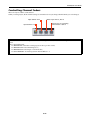
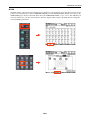
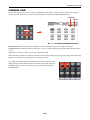
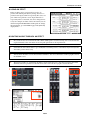
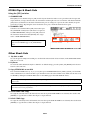
In this section of the console, the operator chooses what to listen to, and controls the listening level.
1.
2.
3.
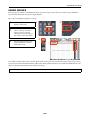
The MONITOR OUT LEVEL adjusts the main listening level.
The [MONITOR/2TR IN] button selects what to listen to in the monitors, (and in the headphones).
The SOLO [CLEAR] button will turn off SOLO for
all channels.
2
1
3
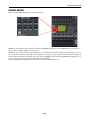
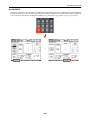
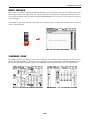
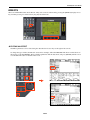
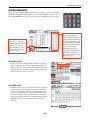
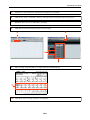
Extra MONITOR functions are found in the [DIO/SETUP] menu, on the MONITOR screen. Different SOLO modes can
be chosen, the listening points can be changed (Pre/Post Fader), and the monitor can be switched to MONO:
21/27