1
Maintenance
Performing an Automatic Color Registration Adjustment
Automatic color registration adjustment occurs every time a new toner cartridge is installed. You can run
this adjustment at other times as needed.
To perform an automatic color registration adjustment:
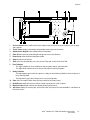
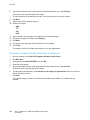
1. At the printer control panel, press the Machine Status button.
2. Touch Tools, then touch Admin Settings.
3. Touch Service Tools.
4. Touch Color Registration>Auto Registration>Start.
The printer runs while it performs the Auto Registration routine.
Performing a Manual Color Registration Adjustment
Color Registration adjusts the printer to make corrections to blurry or hazy prints, or prints with color
halos.
To perform a color registration adjustment:
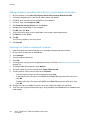
1. At the printer control panel, press the Machine Status button.
2. Touch Tools, then touch Admin Settings.
3. Touch Service Tools.
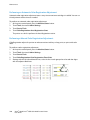
4. Touch Color Registration>Print Registration Chart>Print.
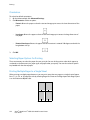
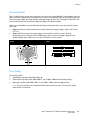
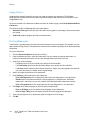
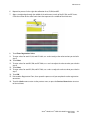
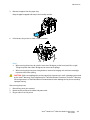
5. Starting with the left side calibration lines, circle the line in each group where the color bar aligns
with the adjacent black bars.
220
Xerox® WorkCentre® 6605 Color Multifunction Printer
User Guide