1
29
SELECTING AND DESELECTING ITEMS
When stacking items, you need to select them. You can select one item
at a time, or several items together.
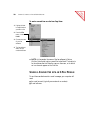
To select or deselect a single item:
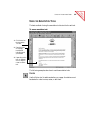
■ To select the item, click its thumbnail in Desktop View. A red (or
dark) line around an item indicates that it is selected.
■
To deselect the item, click another item, or click anywhere else in
Desktop View.
To select multiple items:
■ Click each thumbnail while holding down the Shift key or the Ctrl
key.
Or
■
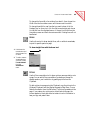
Click an empty space on the PaperPort Desktop, then drag the mouse
around the items that you want to select. Any item that is partially
enclosed in the box, or that the box even touches, will be selected.
Release the mouse button when the items you want are selected.
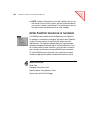
GIVING TITLES TO ITEMS AND STACKS
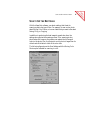
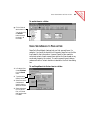
When you first scan an item, its title is the current date, but you can give
it a new title up to 30 characters long, such as Smithers Contract or
Letter to Dr. Adams. The more descriptive the title, the easier it is to
quickly find the item you want. You can also give titles to stacks to help
identify them.
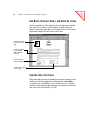
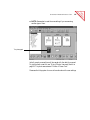
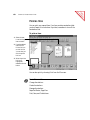
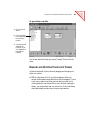
The stack title and page titles both appear above the stack so that as you
flip through the pages of a stack you can see each page’s title as well as
the stack title.
s
ble nt
Ta onte
C
of
GIVING TITLES TO ITEMS AND STACKS