1
Commands
Chapter 2
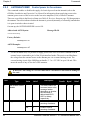
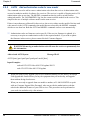
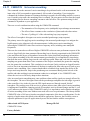
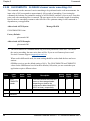
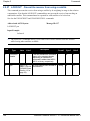
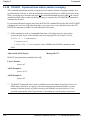
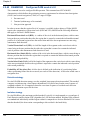
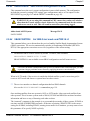
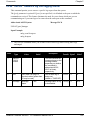
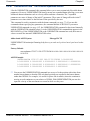
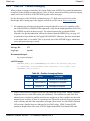
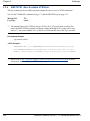
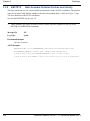
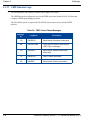
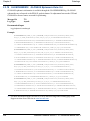
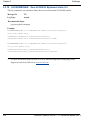
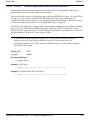
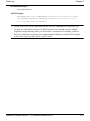
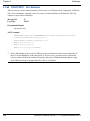
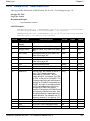
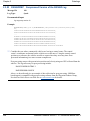
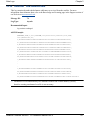
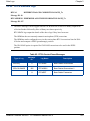
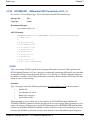
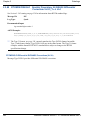
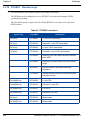
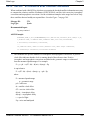
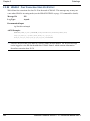
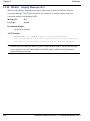
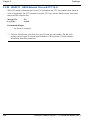
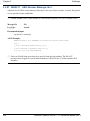
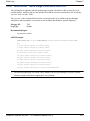
2.5.69 WAASECUTOFF
Set SBAS satellite elevation cut-off SBAS
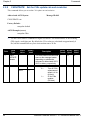
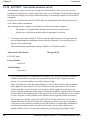
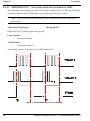
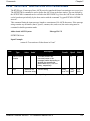
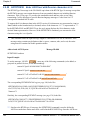
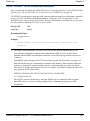
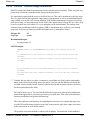
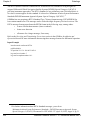
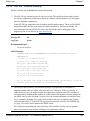
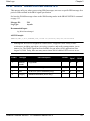
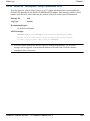
This command sets the elevation cut-off angle for SBAS satellites. The receiver does not start
automatically searching for an SBAS satellite until it rises above the cut-off angle. Tracked SBAS
satellites that fall below the WAASECUTOFF angle are no longer tracked unless they are manually
assigned (see the ASSIGN command).
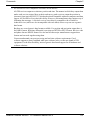
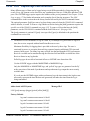
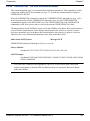
This command does not affect the tracking of GPS satellites. Similarly, the ECUTOFF
command does not affect SBAS satellites.
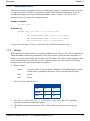
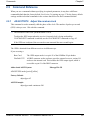
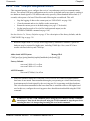
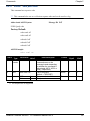
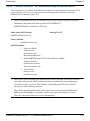
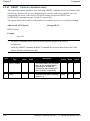
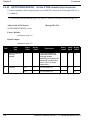
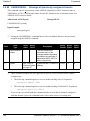
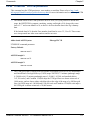
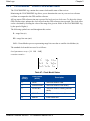
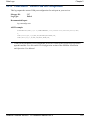
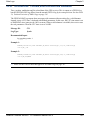
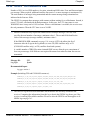
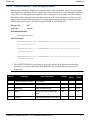
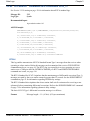
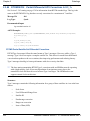
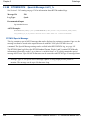
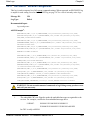
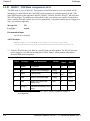
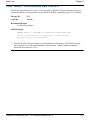
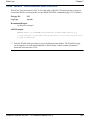
Abbreviated ASCII Syntax:
Message ID: 505
WAASECUTOFF angle
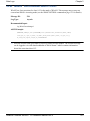
Factory Default:
waasecutoff -5.000000000
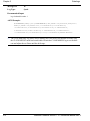
ASCII Example:
waasecutoff 10.0
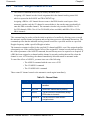
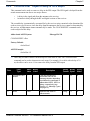
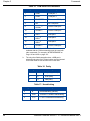
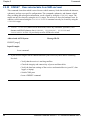
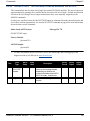
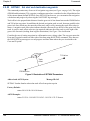
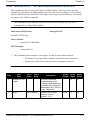
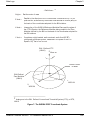
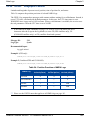
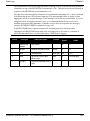
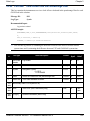
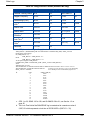
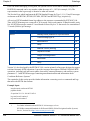
This command permits a negative cut-off angle. It could be used in these situations:
• The antenna is at a high altitude, and thus can look below the local horizon
• Satellites are visible below the horizon due to atmospheric refraction
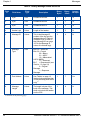
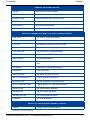
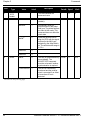
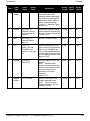
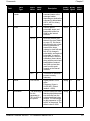
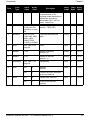
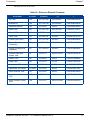
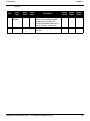
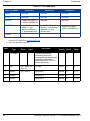
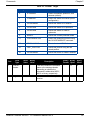
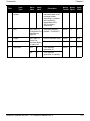
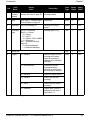
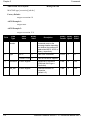
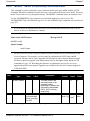
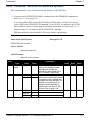
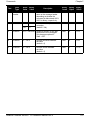
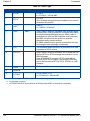
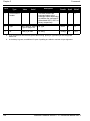
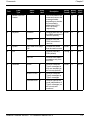
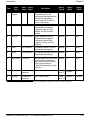
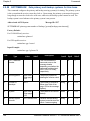
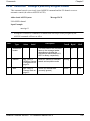
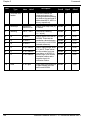
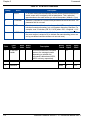
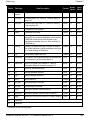
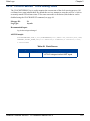
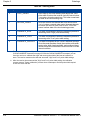
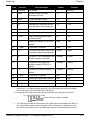
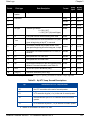
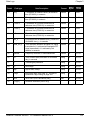
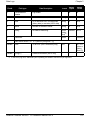
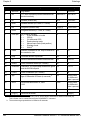
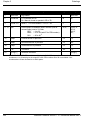
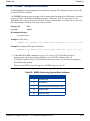
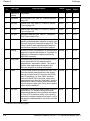
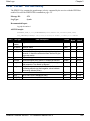
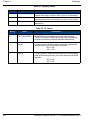
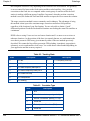
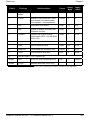
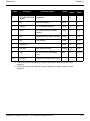
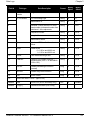
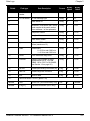
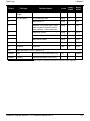
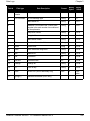
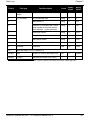
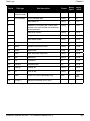
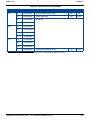
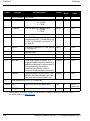
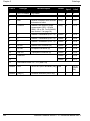
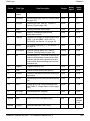
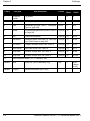
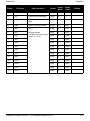
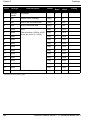
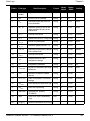
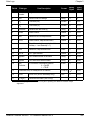
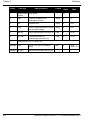
Field
Type
Field
ASCII
Value
Binary
Value
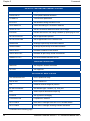
-
1
WAASECUTOFF
header
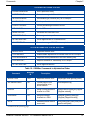
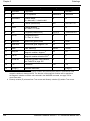
-
2
angle
±90.0 degrees
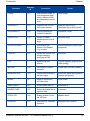
Description
Binary
Format
Binary
Bytes
Binary
Offset
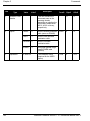
This field contains the
command name or the
message header depending
on whether the command is
abbreviated ASCII, ASCII or
binary, respectively.
-
H
0
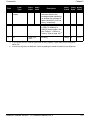
Elevation cut-off angle
relative to horizon
(default = -5.0)
Float
4
H
OEMStar Firmware Version 1.101 Reference Manual Rev 5
173