1
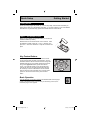
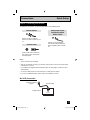
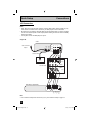
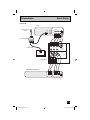
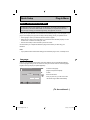
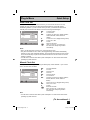
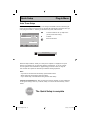
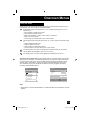
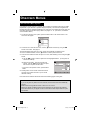
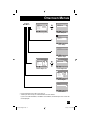
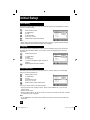
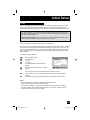
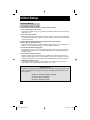
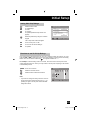
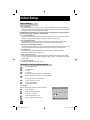
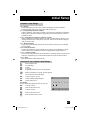
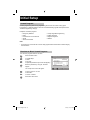
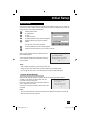
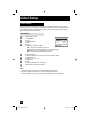
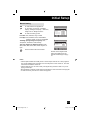
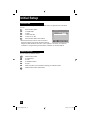
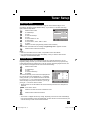
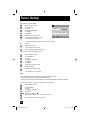
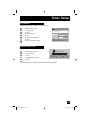
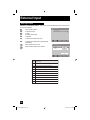
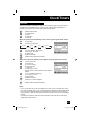
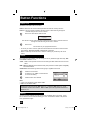
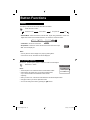
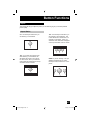
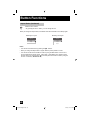
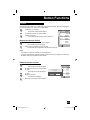
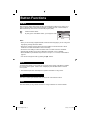
Tuner Setup How to set the channel station. Press the MENU button π† √® π† √® π† To To To To To "Initial Setup" enter "Channel Summary" operate "Station" – + Tuner Setup > Channel Summary > Station Channel 10 A π† C Set Reset Press the OK button to enter √® B Back Select Operate MENU Back Exit To select the character you want To move to the next space ...continue to follow these directions for all seven spaces † To "Set" Press the OK button Your characters are now set Press the MENU button when finished If you want to reset the characters you set: Press the MENU button π† To To To To To π† To select "Reset" π† √® π† √® "Initial Setup" enter "Channel Summary" operate "Station" Press the OK button to enter Press the OK button to finish Your characters are now reset Notes: • You can use characters for: Alphabet, numbers, marks and spaces. • It is possible to set the maximum of 500 channel labels. • If you try to set more than the 500 maximum, the message "Memory Overflow" will appear. You can block access to a channel by activating the channel lock. Press the MENU button π† √® π† √® π †√® To "Initial Setup" To enter To "Channel Summary" To operate To the Lock Column ( ) Press the OK button to lock or unlock that channel Press the MENU button when finished 34 LCT2033 English.indd 34 2/14/06 9:21:02 AM