1
Method | 23
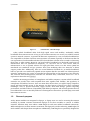
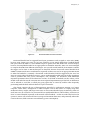
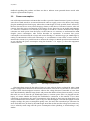
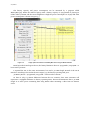
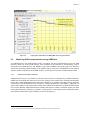
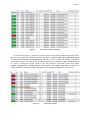
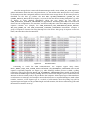
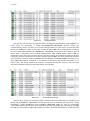
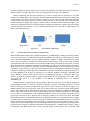
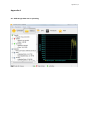
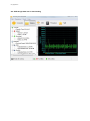
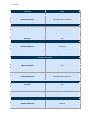
Figure 3-4:
3.3
Laptop power information from BatteryMon when using 3G interface
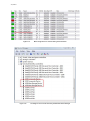
Watching USB communication using USBTrace
To understand how the USB interface works, we analyze the data communication across the USB
interface. There are several USB analysis tools available on the Internet for downloading, such as
SnoopyPro [30], SniffUSB [31], and USBTrace [32]. Since USBTrace has good support for Windows
system, the operating system running on the author's laptop, I choose to use USBTrace as the analysis
software. Before using this powerful USB analyzer, we first give an overview of USB communication.
3.3.1
USB communication overview
USB provides an easy-to-use solution to connect various devices to computers by a standard interface.
USB is host controlled, thus there has to be a host acting as a bus master. The communication utilizes
token, data, and handshaking frames (here after referred to as packets). The USB protocol stack has
several layers. The maximum data rate of USB 2.0 * (in high speed mode) is 480 Mbps, 1.5 Mbps in low
speed, and 12 Mbps in full speed mode. Unlike other similar serial interfaces in which the data format
is not clearly defined, USB communication utilizes transactions, similar to Ethernet frames, but with
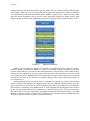
each USB transaction consisting of 3 packets: a token packet, a data packet, and a handshake packet.
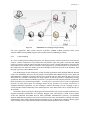
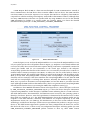
The formats of these three types of packets are shown in Figure 3-5.
*
USB 3.0 was not defined at the time that this project started; hence this thesis will not consider USB 3.0.