1
2
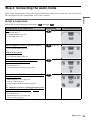
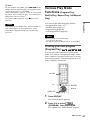
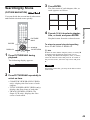
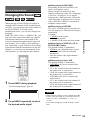
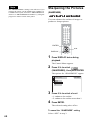
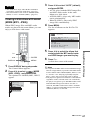
Press X/x to select
then press ENTER.
(EFFECT),
The options for “EFFECT” appear.
3 ( 12)
4)
1(
10/23/2004
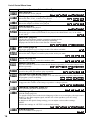
DATA CD JPEG
MODE1
MODE1
MODE2
MODE3
MODE4
MODE5
OFF
EFFECT
3
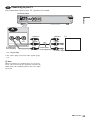
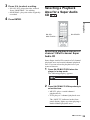
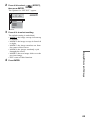
Press X/x to select a setting.
4
Press ENTER.
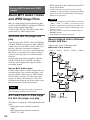
Enjoying MP3 Audio and JPEG Images
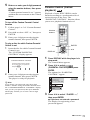
The default setting is underlined.
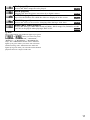
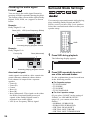
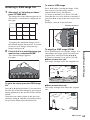
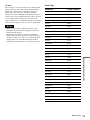
• MODE1: the image sweeps in from top
to bottom.
• MODE2: the image sweeps in from left
to right.
• MODE3: the image stretches out from
the center of the screen.
• MODE4: the images randomly cycle
through the effects.
• MODE5: the next image slides over the
previous image.
• OFF: turns off this function.
69