1
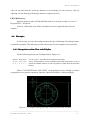
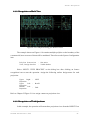
Feature Recognition
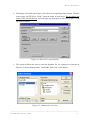
Figure 6-1. ODBC display from Windows Control Panel
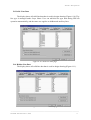
2. Click on the ODBC icon and the display is switched as Figure 6-2 to display the ODBC
data source administrator. Click on “Add” button.
Figure 6-2. ODBC data source administrator
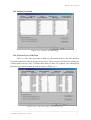
3. Figure 6-3 will show the next dialog box to select database driver. Select Microsoft
Access Driver then click on “FINISH” button.
Figure 6-3. Selection on database driver
―――――――――――――――――――――――――――――――――――――――――――――
PCadCam International (PCI)
2