1
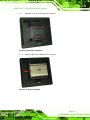
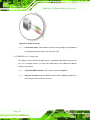
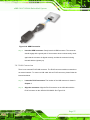
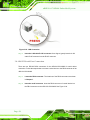
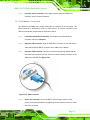
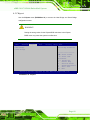
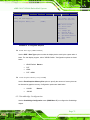
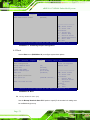
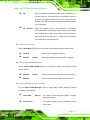
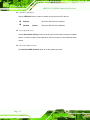
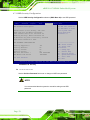
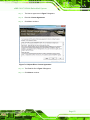
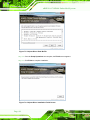
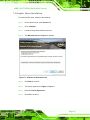
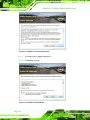
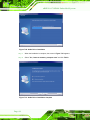
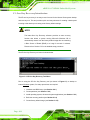
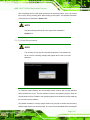
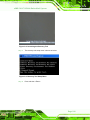
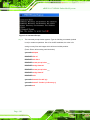
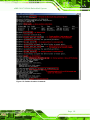
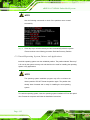
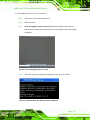
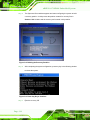
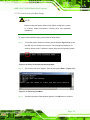
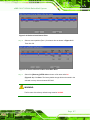
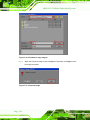
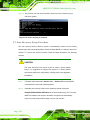
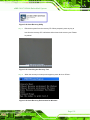
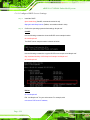
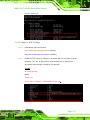
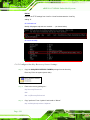
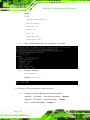
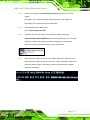
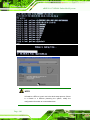
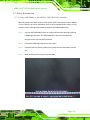
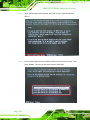
u IBX-210-CV-N2600 Em b e d d e d S ys te m S te p 2: Continue to configure the Boot Option Priorities BIOS option of the client system: Boot Option #1 remain the default setting to boot from the original OS. Boot Option #2 select the boot from LAN option. S te p 3: Save changes and exit BIOS menu. Exit Save Changes and Exit S te p 4: Install the auto recovery utility into the system by double clicking the Utility/AUTORECOVERY-SETUP.exe in the One Key Recovery CD. This utility MUST be installed in the system, otherwise, the system will automatically restore from the factory default image every ten (10) minutes. S te p 5: Restart the client system from LAN. If the system encounters a Blue Screen of Death (BSoD) or a hang for around 10 minutes, it will automatically restore from the factory default image. The following screens will show when the system starts auto recovering. P a g e 139