1
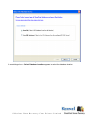
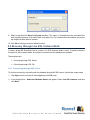
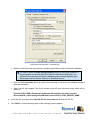
Figure: Select Database Location in Raw File Mode
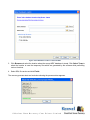
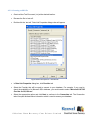
3. Click Browse and select the location where the corrupt MDF database is stored. Click Select Temp to
select the location to save the temporary files which are generated by the software while performing
various functions.
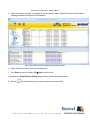
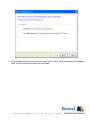
4. Select SQL file version and click Finish.
The recovery process starts and a window showing the process status appears.
©Nucleus Data Recovery.Com Private Limited