1
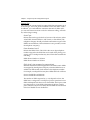
Chapter 4. Using VT-100 Terminal Emulation
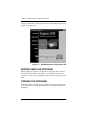
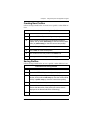
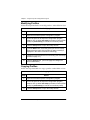
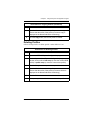
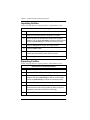
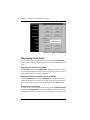
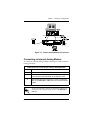
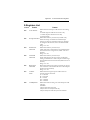
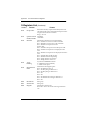
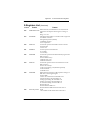
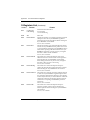
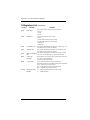
Figure 4-1. VT 100 Terminal Configuration Menu
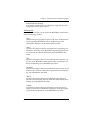
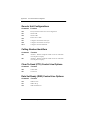
Accessing Terminal Menus
After establishing a VT-100 terminal emulation session, you can go to
a particular menu by pressing the hot key sequence for that menu (see
Table 4-1). If the hot keys don’t work, ensure that the communications
package is configured to pass these control sequences through to the
Express 3100.
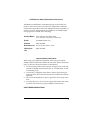
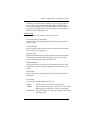
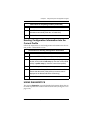
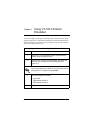
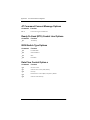
Table 4-1. Menu Hot Keys
Menu
Hot Keys
CONFIG
(Ctrl + C)
DIAL
(Ctrl + D)
STATUS
(Ctrl + V)
TEST
(Ctrl + T)
The communications package must be configured to pass
these control sequences through to the Express 3100.
4-2
Express 3100 User Manual
61200240L2-20