1
I.C.E™ Apps Operation
ICE Apps and Multimedia Operations
The TV e uipped ith I.C.E™ I te et Co e ted E pe ie e platfo
which provides connectivity to popular internet content streaming
services.
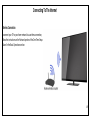
To access any of the pre-loaded ICE applications, make sure the TV is
connected to the Internet.
To exit an application, press the Exit button on remote.
New ICE Apps Update:
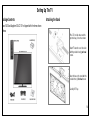
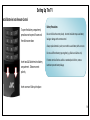
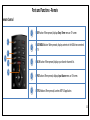
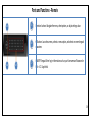
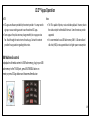
On the remote, press the ICE Apps
button to display the ICE applications
screen.
With internet connection setup, the TV will periodically look for new
ICE Apps and other TV software update available in server. The TV will
automatically download newest ICE apps and software update when it
is available.
Use the left and right direction buttons to bring the desired app icon to
the middle of the screen, and then press the OK button to select the
application. Follow the instruction on screen to setup* each application.
37